Introduction
O&O BlueCon 22 is a collection of tools for users, administrators and service technicians that makes damaged Windows systems work again without a new installation. You start the affected computer from an O&O BlueCon boot medium. O&O BlueCon then runs its own Windows-based interface with a taskbar and a Start menu, from which you open the programs for repair, administration, data security and data rescue.
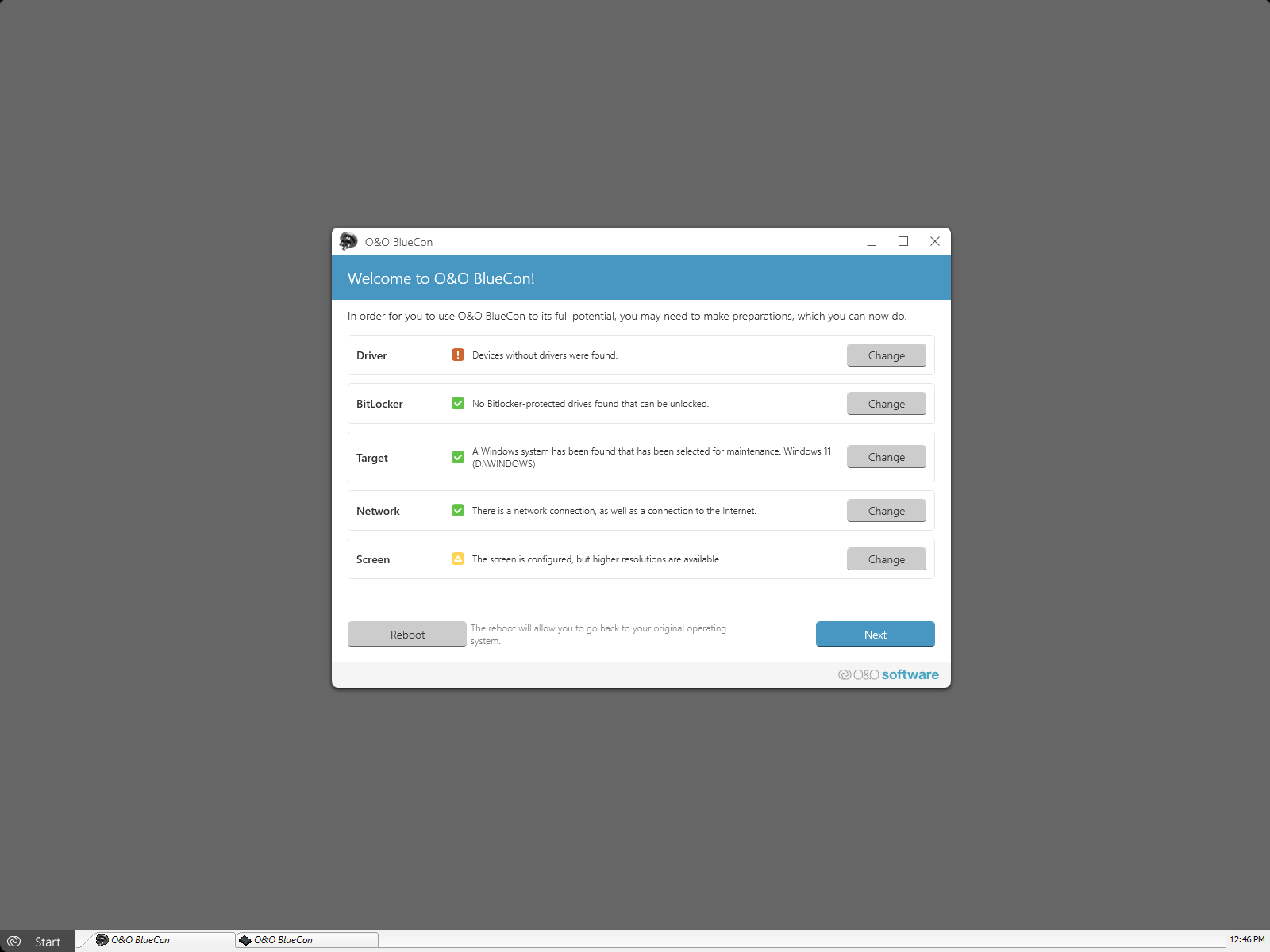
This is the manual of O&O BlueCon 22. It is no longer updated. The manual of the current version is available at manuals.oo-software.com/oobluecon/.
Where to start
| You want to | Start here |
|---|---|
| Get an overview of the programs | Main functions |
| Check the requirements | System requirements |
| Create the boot medium | Create a boot environment |
| Start a computer with O&O BlueCon | Start O&O BlueCon from the boot medium |
| Solve a typical problem step by step | Application scenarios |
| Get help | Support and more from O&O |
Programs with their own help
The following programs on the boot medium have their own help, which you open with the help function of the program:
- O&O DiskImage (included in certain licenses and editions of O&O BlueCon)
- O&O SafeErase
- O&O DiskRecovery
- O&O PartitionManager
License
O&O BlueCon is commercial software. Which programs the boot medium contains depends on your license and edition. For questions about licensing, contact O&O Software; see Support and more from O&O.