O&O Check & Repair
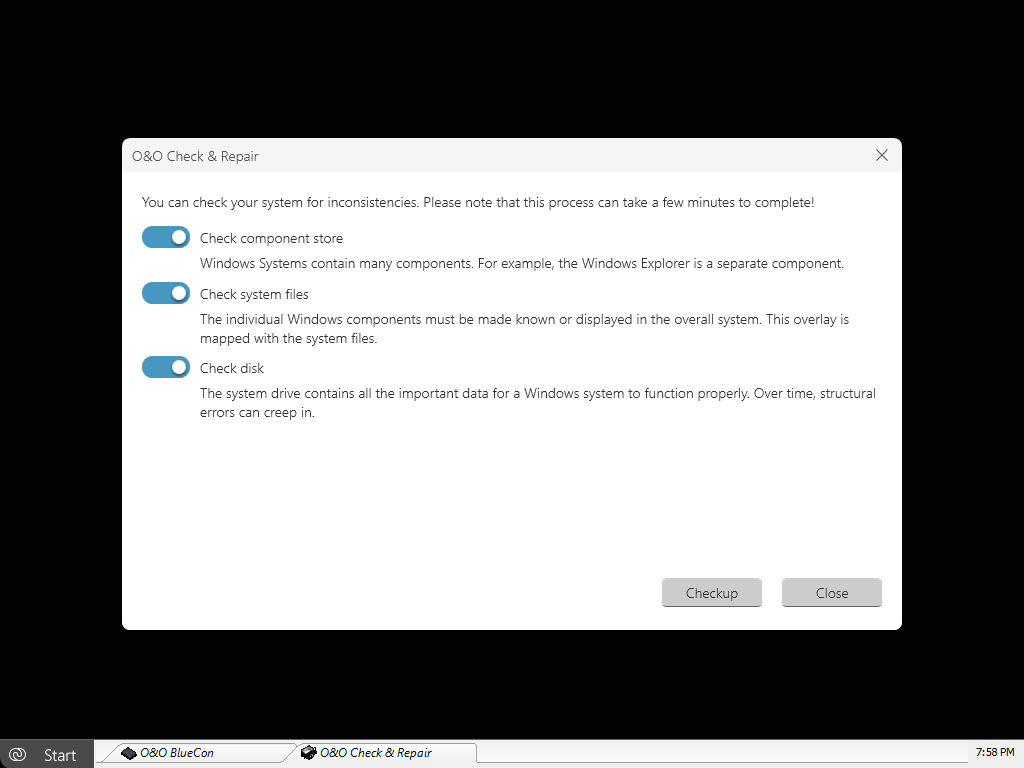
With O&O Check&Repair, Windows systems can be examined for logical inconsistencies and damage that may prevent stable operation or cause startup problems. In particular, the Windows component store and system-critical files are analyzed for errors.
The check is especially suitable for systems that:
- behave unstably
- show malfunctions after updates
- no longer start correctly
- exhibit recurring system errors or crashes
Running a System Check
After starting O&O Check&Repair, the selected system is analyzed automatically. The analysis identifies, among other things:
- damaged or missing system files
- inconsistencies in the Windows component store
- logical file system errors
The progress of the analysis is displayed during the check. Depending on system size and condition, this process may take some time.
Analyzing and Repairing Errors
After the check is complete, O&O Check&Repair clearly displays:
- whether errors were found
- which components are affected
- whether a repair is possible
Using the integrated repair function, most detected errors can be corrected directly. Repairs are performed in a controlled manner and without reinstalling Windows.
Tip: O&O Check&Repair is particularly suitable as a preparatory step before further repair actions or a system recovery are carried out.
Typical Use Cases
- Windows no longer starts or hangs during boot
- System errors after failed updates
- Corrupted Windows system files
- Preparation prior to an image restoration
- Stabilization of unstable offline systems