Web browser, Notepad and Calc
The integrated Firefox® web browser allows access to the internet directly from within the O&O BlueCon environment. This makes it possible to retrieve information, documentation, drivers, or support files from the web that are helpful when analyzing and resolving system issues.
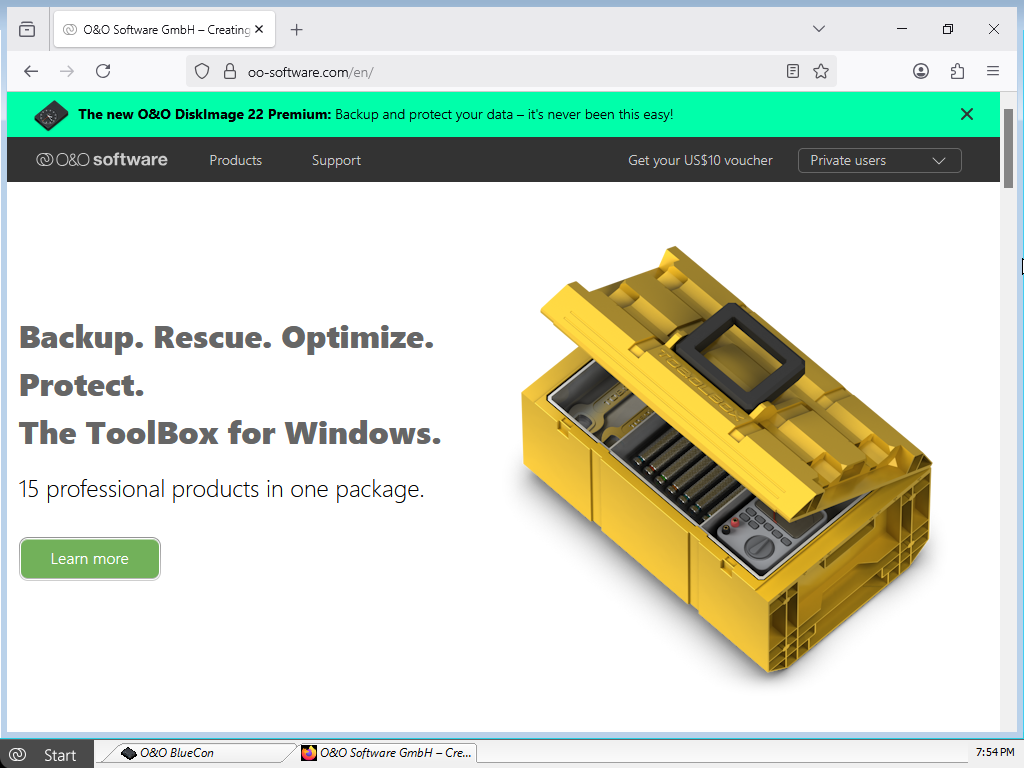
The web browser is particularly useful for:
- looking up technical documentation
- accessing manufacturer websites
- downloading required files or drivers
- researching error messages or event codes
To use the Firefox® web browser, a functioning network connection within your LAN is required. Without network connectivity, internet access is not possible.
O&O Notepad
O&O Notepad is a simple text editor for viewing, editing, and saving text files. It is especially suitable for administrative tasks such as creating or modifying configuration files, scripts, or log files.
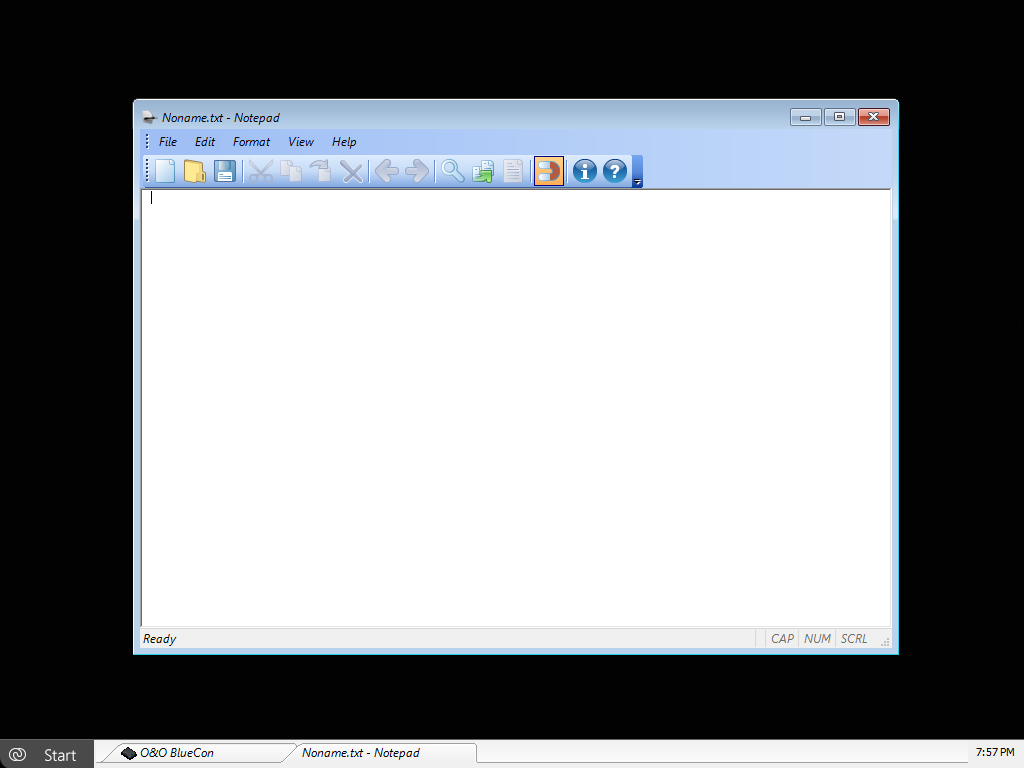
O&O Notepad supports both ASCII and Unicode files and can therefore be used for a wide range of system and configuration files.
To open O&O Notepad, click Start / Programs / Accessories / Editor.
O&O Calc
O&O Calc is a calculator for basic arithmetic operations as well as for converting between different number systems. The following formats are supported:
- Decimal
- Hexadecimal
- Octal
- Binary
In addition, formula expressions can be entered and evaluated directly, which is particularly useful for technical calculations or value analysis.
To open O&O Calc, click Start / Programs / Accessories / Calculator.