Introduction
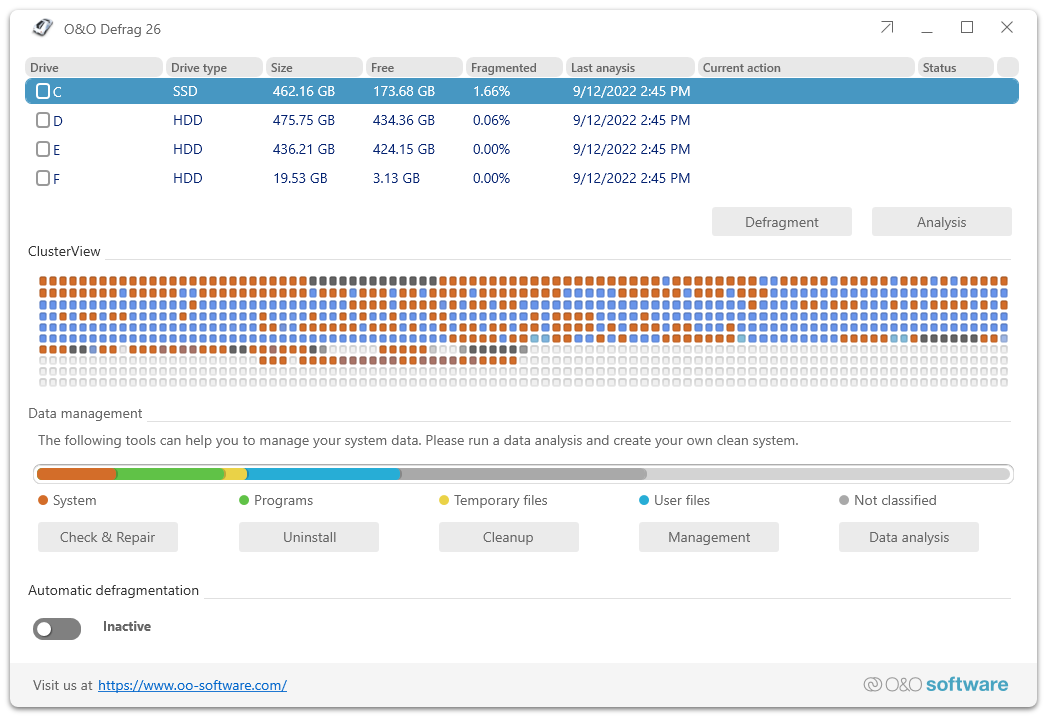
O&O Defrag 26 consolidates fragmented files on hard disks and SSDs and so restores the performance of your computer. It defragments automatically in the background, at scheduled times or when you start it, and offers special methods for SSDs. You work either in the ModernUI, which gives beginners quick access to the most important functions, or in the classic interface with its ribbon bar, which offers all options.
Earlier version
This is the manual of O&O Defrag 26. It is no longer updated. The manual of the current version is available at manuals.oo-software.com/oodefrag/.
Where to start
| You want to | Start here |
|---|---|
| Get to know the functions and editions | About O&O Defrag 26 |
| Check the requirements | System requirements |
| Install, license or uninstall O&O Defrag | Installation, licensing and uninstall |
| Set up O&O Defrag in a few steps | QuickStart |
| Analyze and defragment a drive | Analyze your drives and Defragment your drives |
| Choose the right method | Defragmentation methods |
| Defragment automatically or at set times | Automatic defragmentation and Schedule defragmentation jobs |
| Get help | Support and more from O&O |
Licensing
O&O Defrag is commercial software. You can try it during the trial period; continued use requires a valid license.