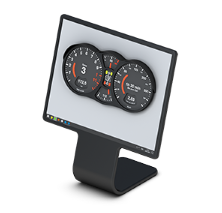
Choose what the desktop shows
Select the information blocks, their position and the look of the display.
Set up the display →Switch between profiles
Keep several layouts, for example for work and for presentations, and switch with one click.
Use profiles →Roll out to many PCs
Distribute a shared configuration with a configuration file and command-line options.
Plan the deployment →O&O DeskInfo is freeware and free of charge to use.