Introduction
O&O DiskImage 20 creates images of entire computers and of individual drives, including dynamic drives and RAID systems, backs up files and folders, restores them, clones drives and restores a system on different hardware. This manual describes the Professional Edition and the Server Edition of version 20.
Earlier version
This is the manual of O&O DiskImage 20. It is no longer updated. The manual of the current version is available at manuals.oo-software.com/oodiskimage/.
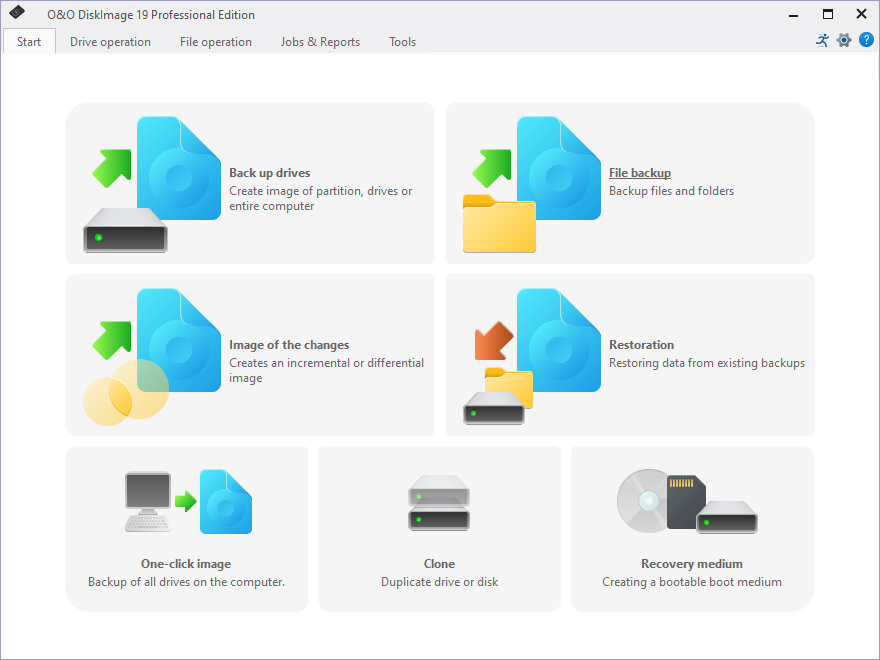
What you can do
- Image computers and drives – the entire computer with one click, individual drives, or only the changes since the last image. See Back up computers and drives.
- Back up files – individual files and folders in a file backup. See Back up files.
- Restore drives, the entire computer or individual files, also on different hardware with M.I.R. See Restore drives and Restore on different hardware.
- Clone drives – back up and restore in one step, for example to replace a disk. See Clone drives.
- Start without Windows from a boot medium, the O&O DiskImage RecoveryPartition or O&O DiskImage ToGo. See Start from a bootable medium.
- Automate imaging and backups with jobs, or control them with command files. See Jobs and reports and Script interface.
Where to start
| You want to | Start here |
|---|---|
| Install and activate the program | Install, license and uninstall |
| Get to know the main functions | Quick start |
| Check which edition you need | Editions |
| Solve a problem | Troubleshooting and FAQ |
License
O&O DiskImage is commercial software. You can try it during the trial period; continued use requires a valid license. See Support and more from O&O.