Tools
The tools menu includes options for processing images and further activities.
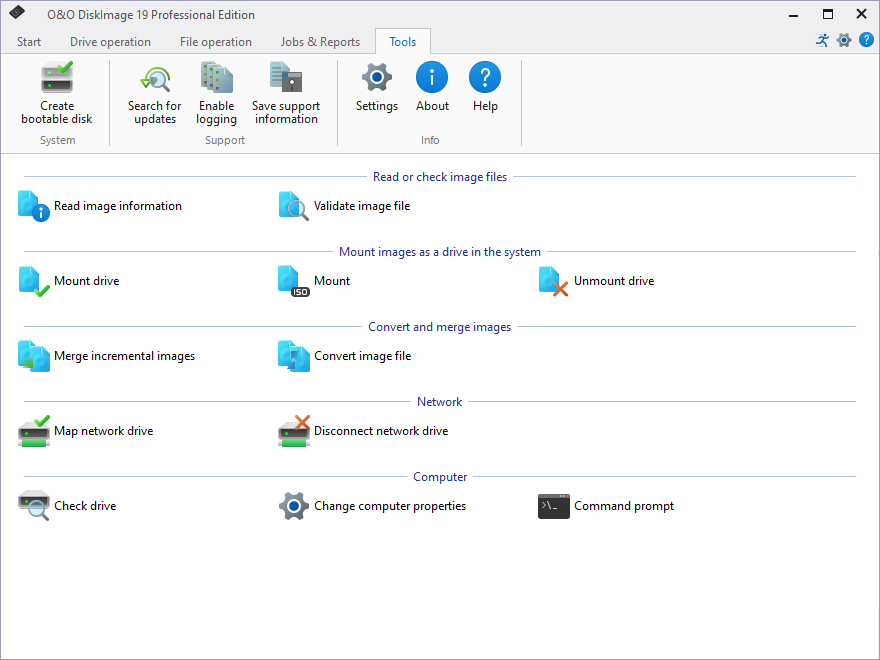
System
Along with specific features for imaging, O&O DiskImage offers a selection of additional tools. You can, for example, use the check drive feature to estimate your drive’s health. O&O DiskImage also provides options for Command prompt and Change computer properties.
It’s advisable to create an O&O DiskImage bootable medium, either as a simple disk or ToGo. Using the simple disk, you can boot the computer from it whenever needed and start restoration. The O&O DiskImage ToGo option is a bootable medium that can also be used as a storage device for your images. If you haven’t yet made a boot medium for your images, we recommend using O&O DiskImage ToGo.
Network
Map/Disconnect network drive
Under Tools in the ribbon bar, you can select the setting Map network drive.Under Disconnect network drive the connection can be interrupted.
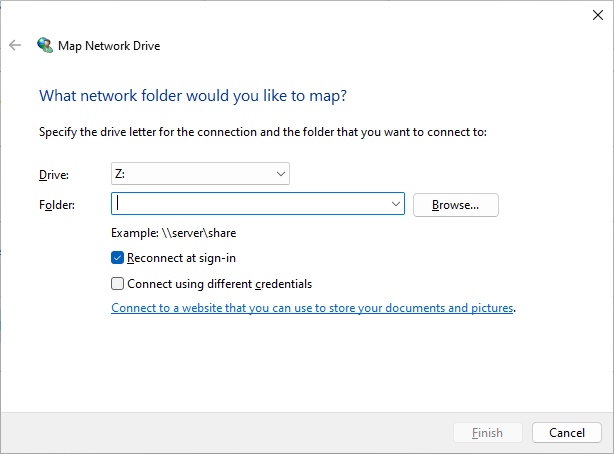
Network authentication is needed for accessing network drives when images are saved on or restored from them. Read more about it in the chapter Authentication within the network.