Quick start
Create a backup first, then prepare a way to restore Windows if it can no longer start.
Before you start
Connect an external hard disk or prepare a network drive. An external storage medium is the recommended destination: a backup on the same disk as the data is lost together with it. Keep enough free space for the first full backup and the following backups.
Create the first backup
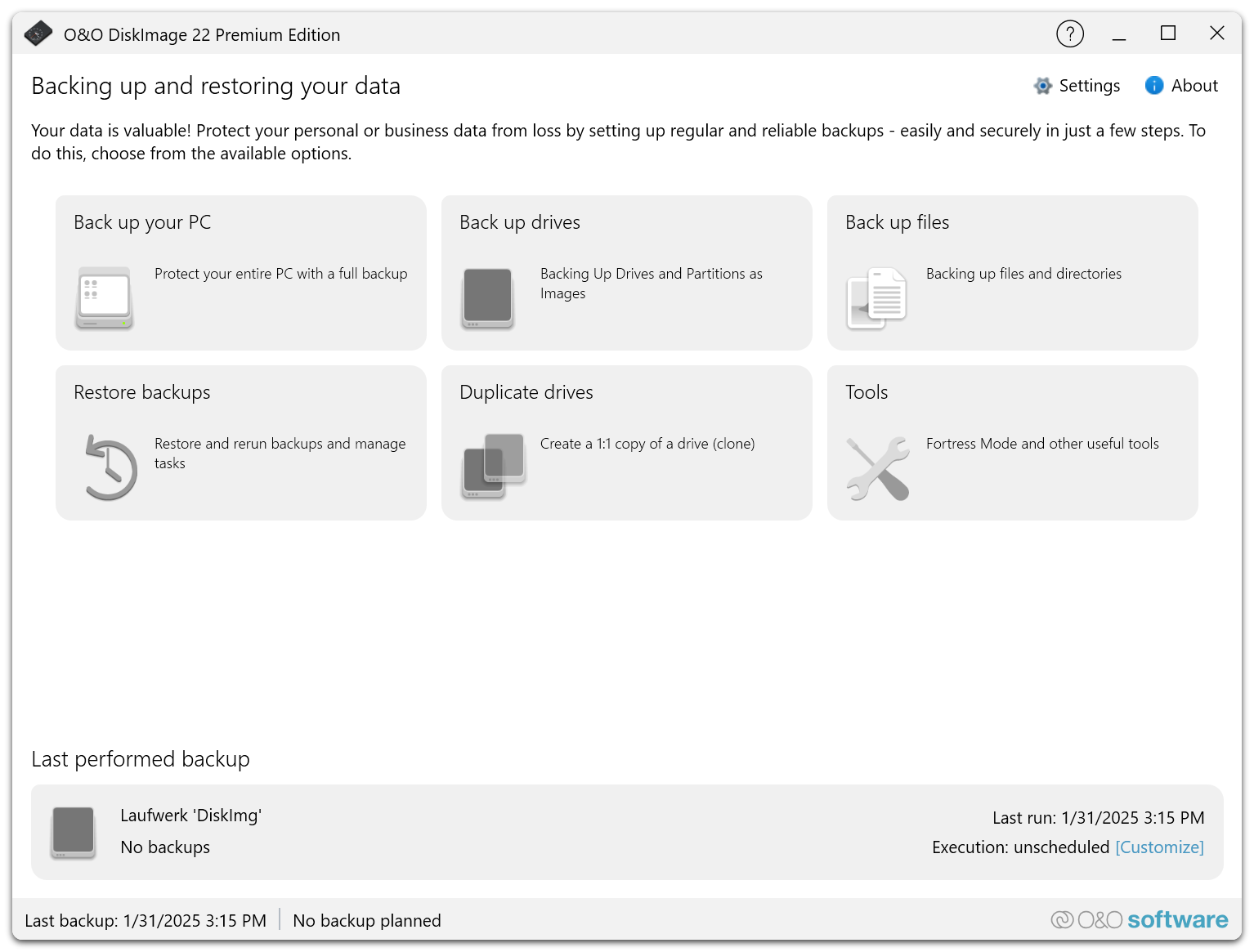
- Open O&O DiskImage 22 Premium Edition and select Back up your PC on the start page.
- Under Description of the backup, keep the name derived from the creation date or enter your own.
- Check the Destination file. Use Browse... to select a folder on the external drive or network drive. A note below the field warns if the space on the target drive is expected to be insufficient.
- Leave Execution on Run Instantly. To back up automatically later, select Customize – see Schedules and automation.
- Select Execute backup. The backup can take some time, depending on the size of the drives.
The backup of the entire PC includes the system partition. It backs up only the used sectors and compresses the data, so the backup file is considerably smaller than the drives.
A practical starting point
| Setting | Starting point |
|---|---|
| Scope | Back up your PC |
| Destination | External hard disk or network drive |
| Backup strategy | Full backup, then incremental backups (default) |
| Backup technology | Used sectors (default) |
| Compression | Lempel-Ziv (default) |
| Validation | Enable Validate backup after completion under Settings > Validation |
| Encryption | Enable Encrypt backup with password for backups on media that others can access |
The defaults for new backups are set under Settings; see Backup options.
Prepare for recovery
Open Tools and set up Fortress Mode, or create a startup medium with Creating a Startup Media. Test that the PC starts from the medium and that the backup can be reached.
See Fortress Mode and startup medium.
Next steps
- The first backup explains the controls of the backup page.
- Manage backups shows how to rerun, move or delete backups.