Settings
Open Settings at the top right of the start page. The settings are the defaults for new backups and the preferences of the application. Confirm the dialog with OK to save changes; Cancel discards them.
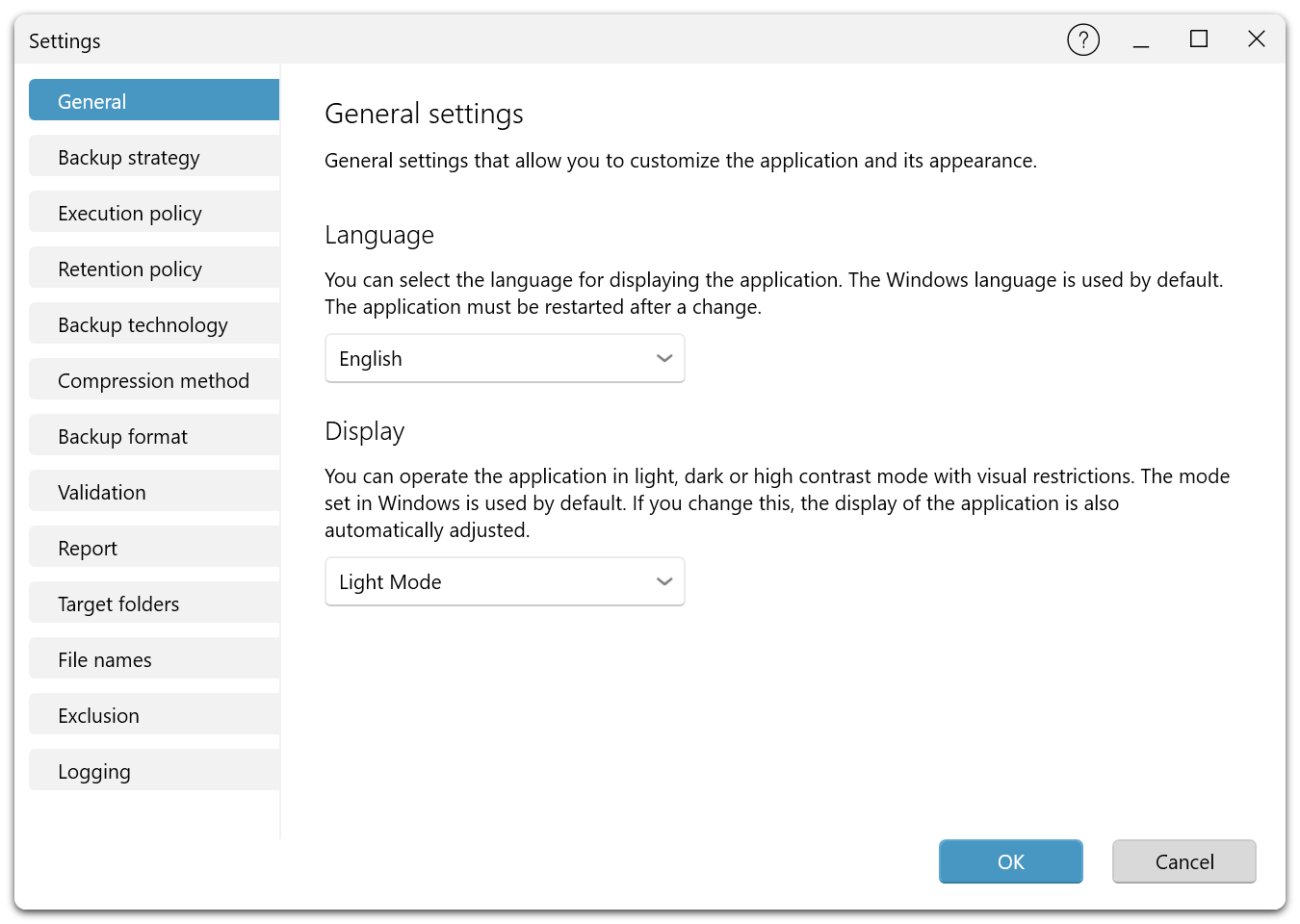
Pages of the dialog
| Page | Settings |
|---|---|
| General | Language of the user interface and display mode. |
| Backup strategy | Full backup followed by incremental or differential backups, or full backups only. |
| Execution policy | After how many change backups a new full backup is created. |
| Retention policy | Rules for how long backups are kept. |
| Backup technology | Used sectors, forensic backup or direct forensic backup. |
| Compression method | Whether and how backup files are compressed. |
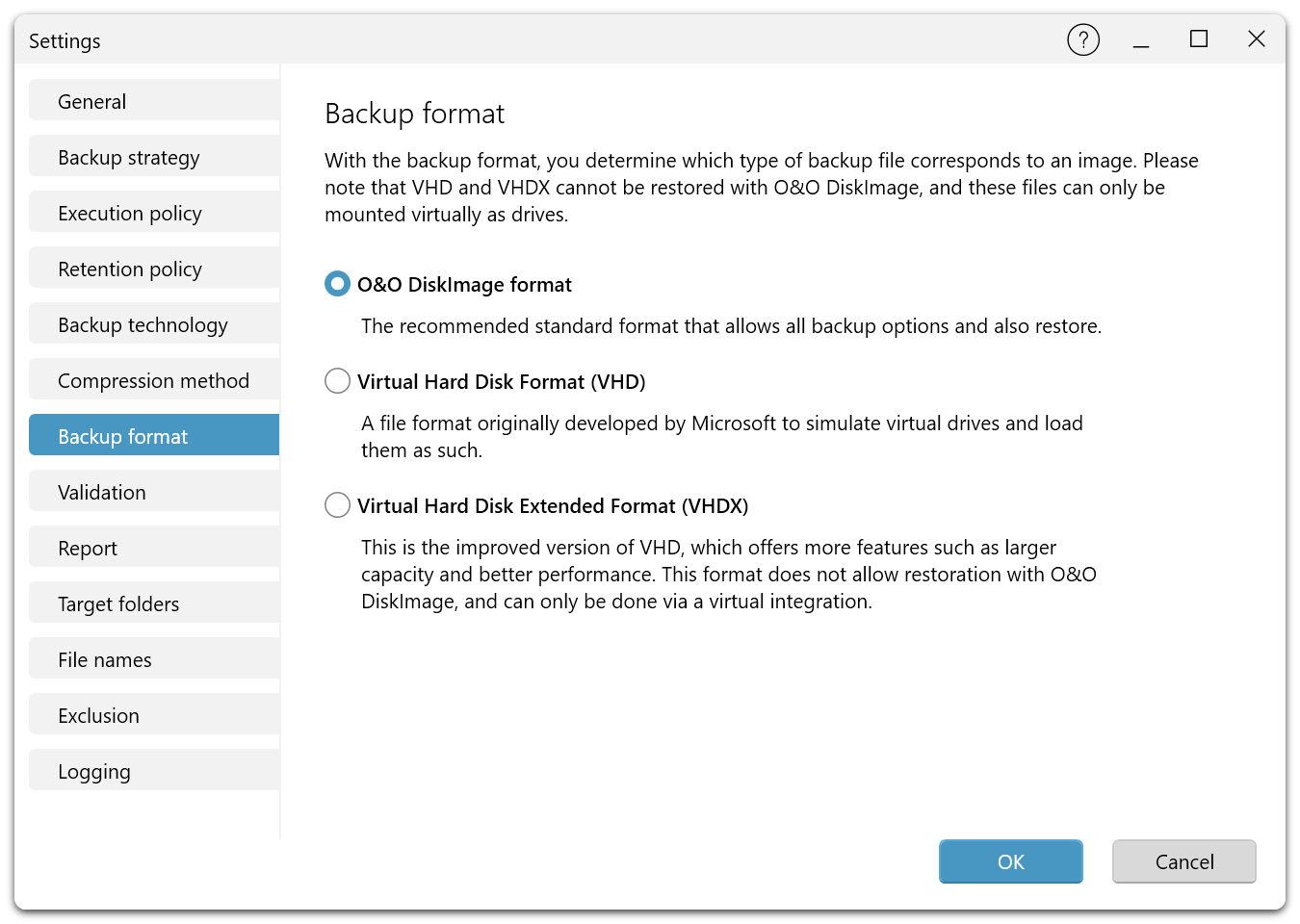
| Backup format | O&O DiskImage format, VHD or VHDX. |
| Validation | Whether every backup is validated after completion. |
| Report | Whether a report is created for every backup. |
| Target folders | The folders in which new backups are stored. |
| File names | Storage path and file name of backup files, with placeholders. |
| Exclusion | Files and folders that are excluded from every backup. |
| Logging | Whether detailed logs of the backup operations are written. |
General
| Setting | Options | Default |
|---|---|---|
| Language | The languages of the user interface, among them German, English, French, Spanish, Italian, Russian, Japanese and Chinese. The application must be restarted after a change. | The Windows language |
| Display | Light Mode, dark mode or high contrast mode. | The mode set in Windows |
Backup settings
The pages Backup strategy, Execution policy, Backup technology, Compression method, Backup format, Validation and Report hold the defaults for new backups. Their options are described under Backup options.
| Page | Options | Default |
|---|---|---|
| Backup strategy | Full backup, then incremental backups; full backup, then differential backups; only full backups | Full backup, then incremental backups |
| Execution policy | Full backup after a chosen number of change backups: on or off, and the number | – |
| Backup technology | Used sectors; forensic backup; direct forensic backup (Fortress Mode only) | Used sectors |
| Compression method | Compression on or off; Lempel-Ziv (default or maximum), ZIP deflate, BZIP with 1K, 4K or 9K block size | Lempel-Ziv (default) |
| Backup format | O&O DiskImage format; VHD; VHDX | O&O DiskImage format |
| Validation | Validate backup after completion on or off | – |
| Report | Create report on or off | – |
Storage settings
| Page | Settings |
|---|---|
| Target folders | The folders for new backups. Several folders are used in descending order of their free space. Add, change or remove folders. See Backup destinations. |
| File names | Storage path, File name with placeholders, and the Preview of the resulting name. See File names and exclusions. |
| Exclusion | The list of excluded files and folders; + adds an entry, − removes it. |
Logging
Logging writes detailed logs of the backup operations: start and end time, the files involved, the size of the backup, and errors and warnings. Enable it when a problem has to be analyzed or when support asks for logs. See Reports and logs.
About
About at the top right of the start page shows the version number of O&O DiskImage and the legal notices, including the license terms and the privacy policy.