Rescue Media And Recovery Environment
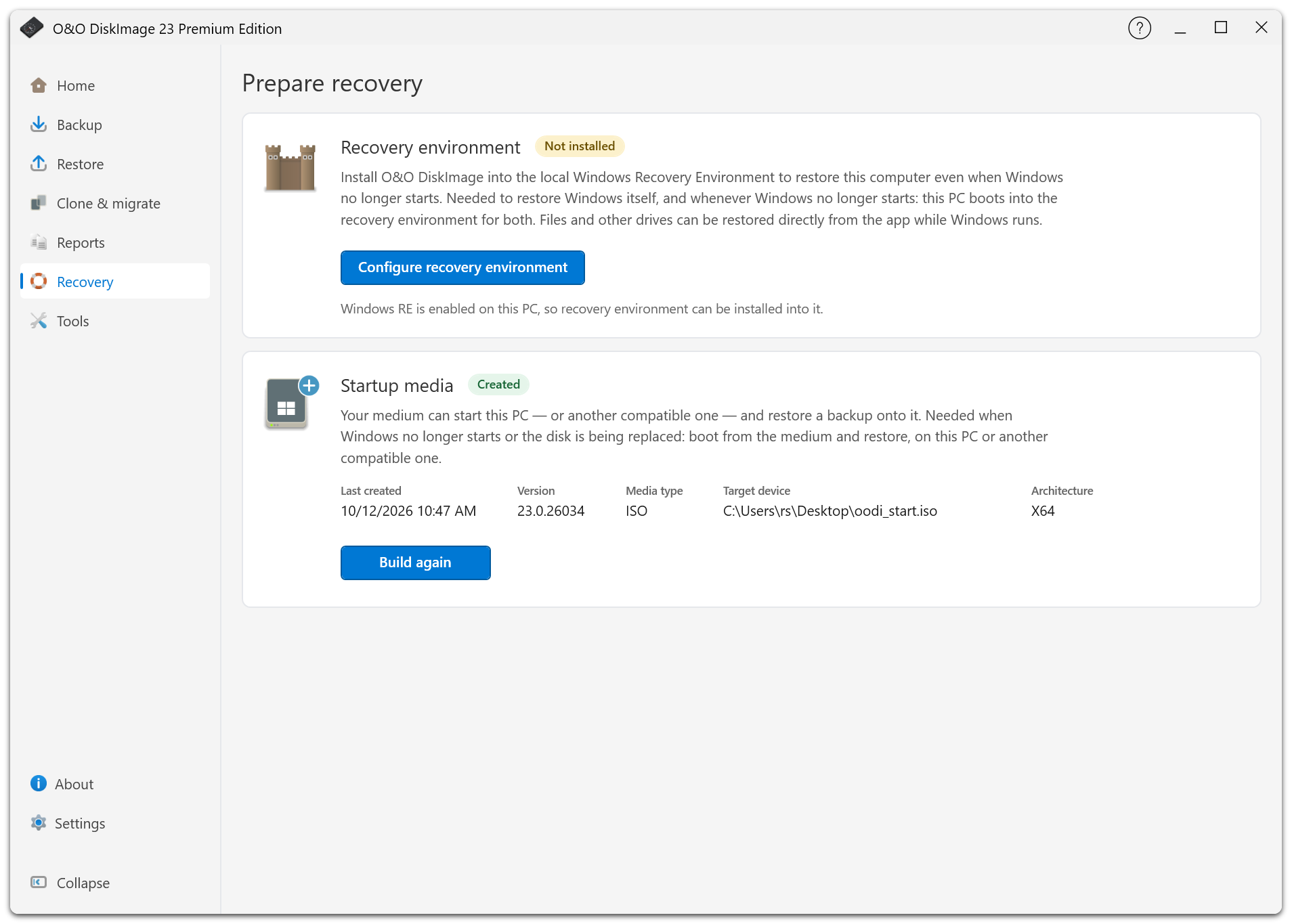
Open Recovery to prepare a way to start O&O DiskImage outside the installed Windows system. The page shows whether the local environment and startup media are ready or need updating.
Local Recovery Environment
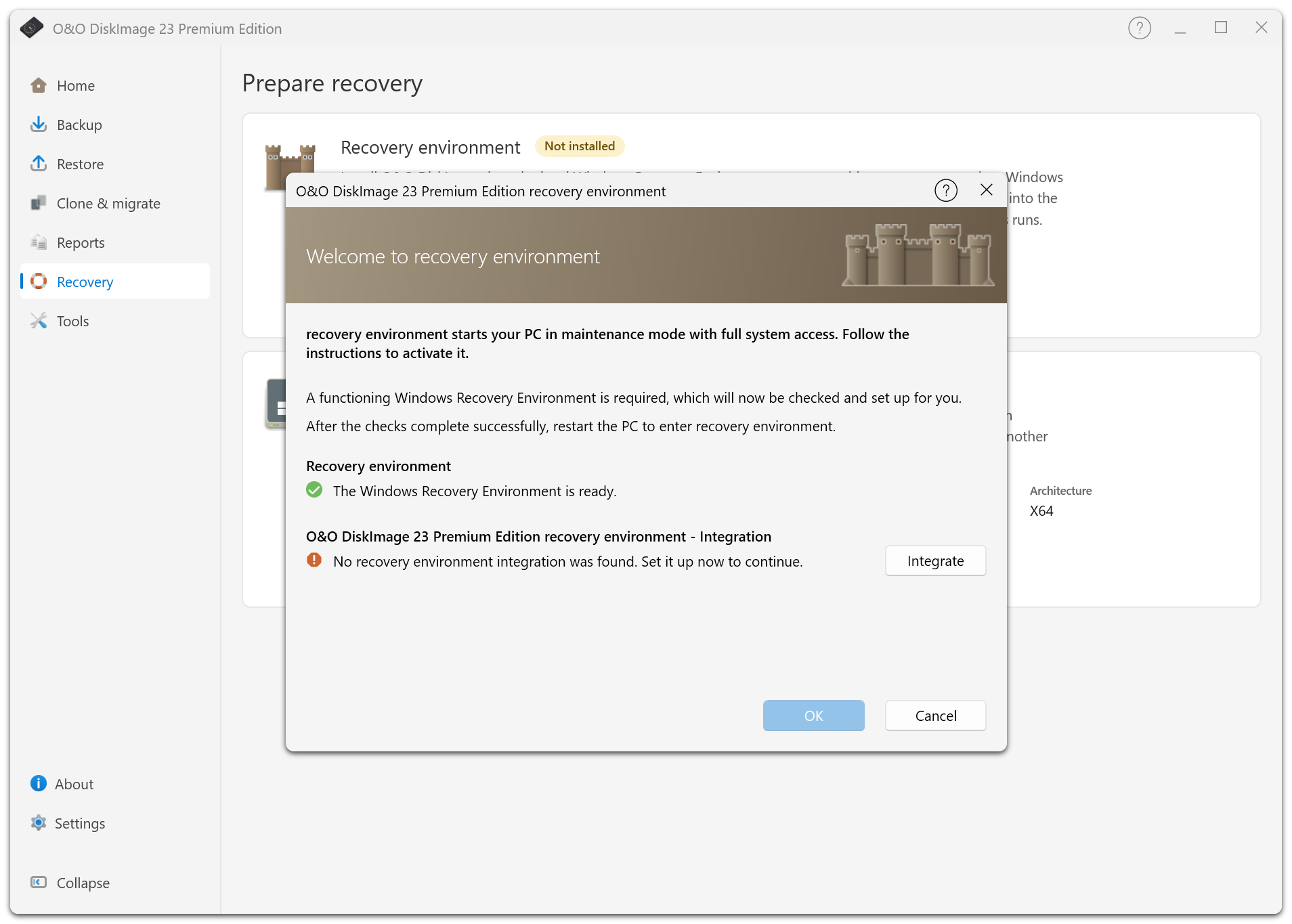
The feature previously called Fortress Mode is now called the recovery environment. It adds O&O DiskImage to the local Windows Recovery Environment (WinRE) so you can restore the system without a separate USB stick.
Set it up before a failure. It depends on a working local recovery installation; separate startup media is still useful if the system disk fails.
When the page reports an outdated or unavailable environment, follow its explanation and rebuild it if requested. This may be necessary after an application update or a restore that overwrote the recovery installation.
Restart Into Recovery
From Full system restore, or when selecting a target on the running Windows disk, use the offered restart into the recovery environment if it is ready. O&O DiskImage carries the selected backup into the recovery session where possible.
Save your work before confirming the restart. Restart is blocked while a backup, restore, or clone is active. After restarting, reconnect the backup storage, supply its password if needed, and review the target again before restoring. A restart does not itself authorize overwriting a disk.
If the local environment cannot be used, follow the startup-media route shown on the restore page.
Bootable Rescue Media
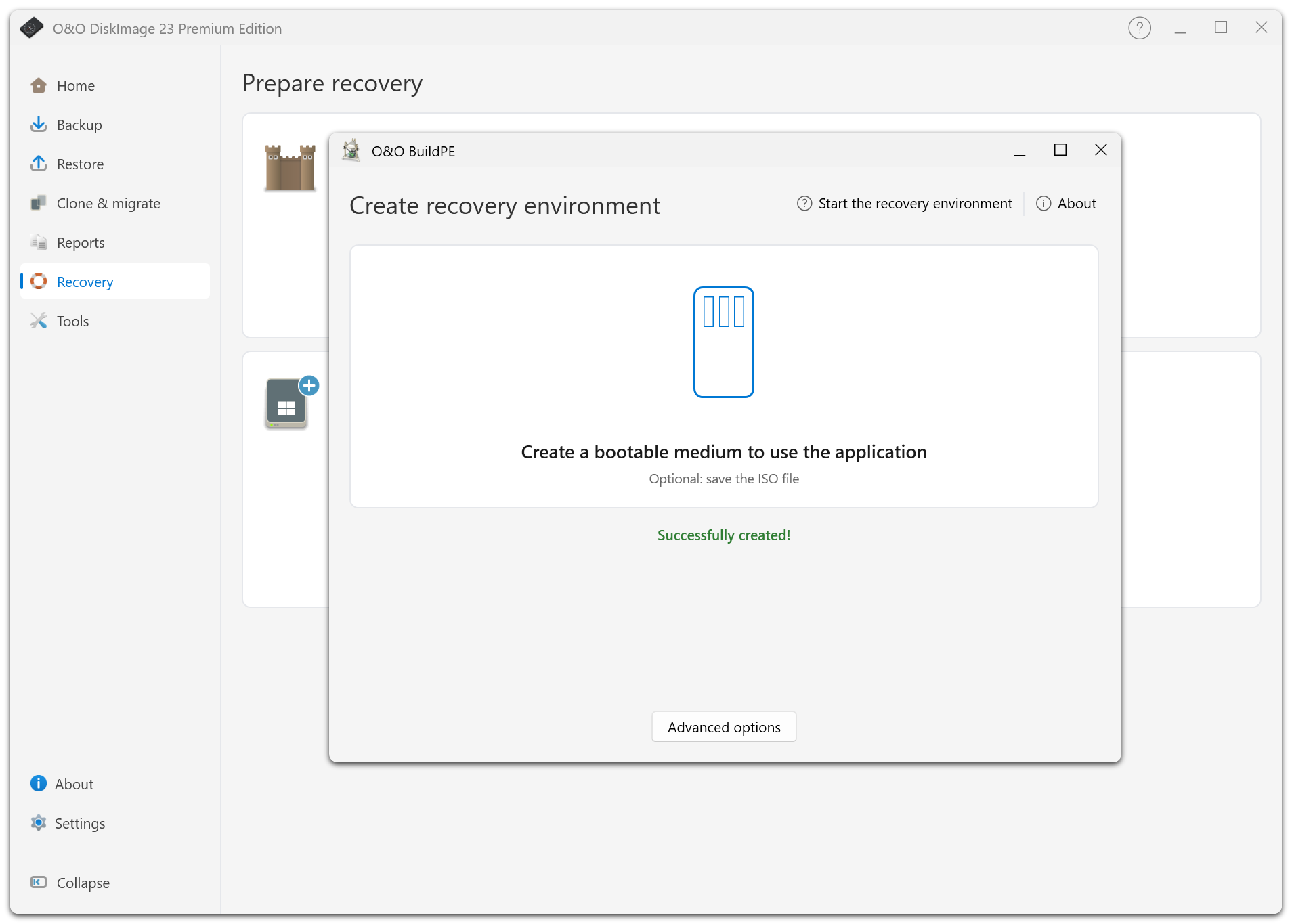
Create a USB startup medium or an ISO through the startup-media page. Use separate media when the local recovery environment is unavailable or you are replacing the system disk.
The creator excludes the running Windows system disk and shows the detected drive types. Check the selected USB device carefully: the standard media-creation workflow formats it and asks for confirmation. Do not select a drive containing your only backup.
Test that the intended PC can boot from the medium and reach your backup. Check storage and network access as well as the boot itself.
Working In The Recovery Environment
Drive letters may differ from those in normal Windows. Use disk identity, size, and contents to confirm sources and targets.
Keep the original password for encrypted backups available. If license verification needs internet access, use a wired network connection where possible.
After restoring Windows, check the recovery status again. If the local environment was overwritten, rebuild it before relying on it for the next recovery.