Backup Sources
A source is the data a backup protects. Choose Entire PC, Drives / partitions, or Files under Backup in the navigation pane.
Entire PC
An entire-PC backup protects Windows, installed applications, settings, and personal data. Use it as the starting point for system recovery.
O&O DiskImage avoids imaging a destination disk that contains only backups. A destination disk that also contains other data may remain in the source selection so that data is protected. The report lists disks excluded from an entire-PC backup. Review the sources and destination rather than assuming every attached disk is included.
Drives And Partitions
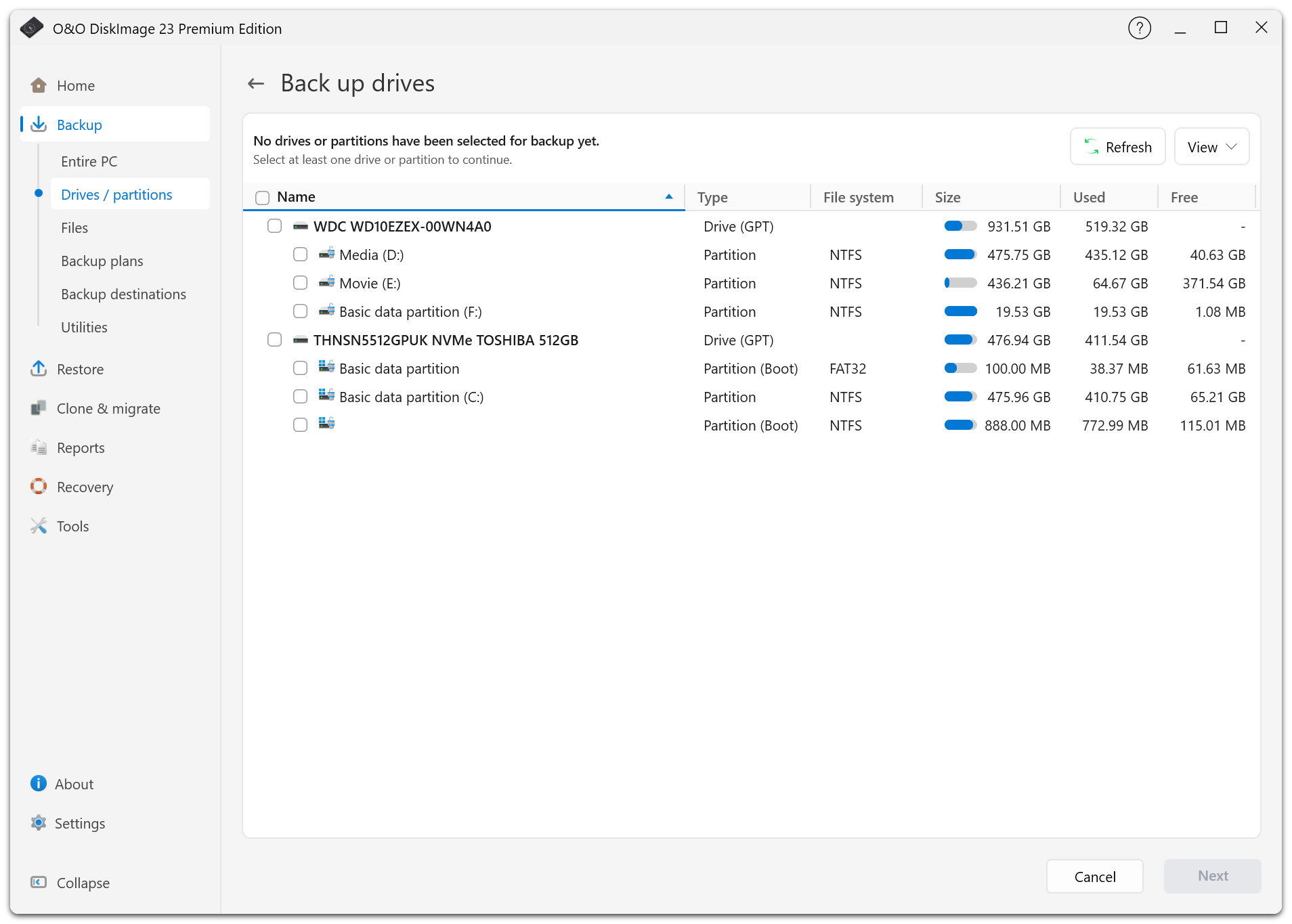
Select whole disks or individual partitions when you need more control. The list identifies whole-disk sources as disks; a disconnected source remains recognizable instead of appearing as an unattached tiny partition.
Use the View menu to adjust the display or show the disk map. The Type column identifies partition roles.
An image normally copies used sectors. Forensic modes copy the full source, including unused sectors. See Backup Options for format and technology restrictions.
Files And Folders
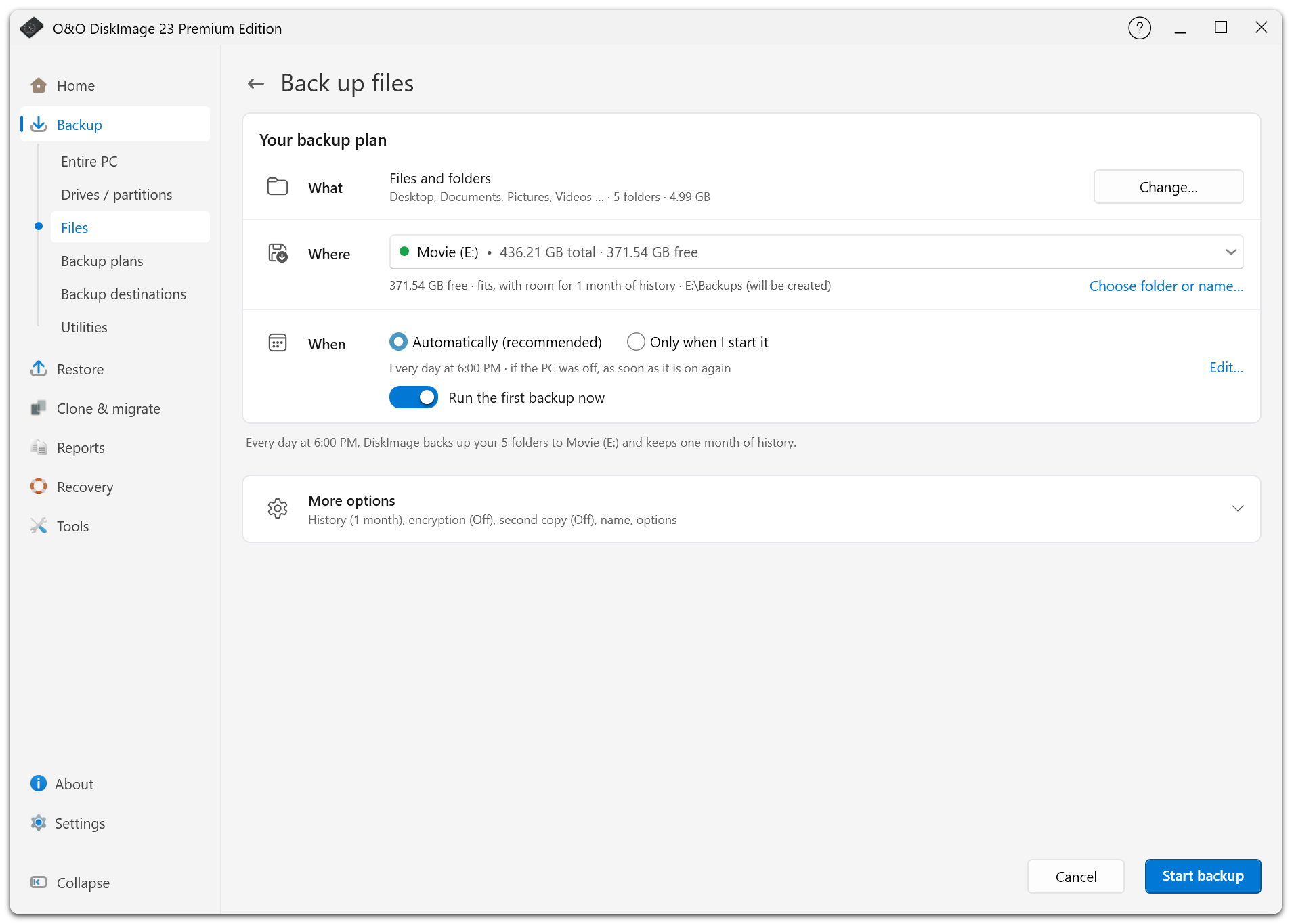
Choose individual files or folders for documents, projects, and other data that does not need a complete disk image. File backups do not replace a system image for restoring Windows and installed applications.
Changing Sources
Open an existing drive or file plan and select Change… beside What. Review and save the new selection. The next backup is a full backup so that later versions can build on the changed sources. Cancelling the plan page discards the changes.
Default Exclusions
Temporary files, paging and hibernation files, system volume information, and O&O DiskImage backup containers are excluded where applicable.
Virtual disks such as VHD/VHDX files are included by default. O&O DiskImage's own virtual-disk backups remain excluded to prevent a backup from including itself. A warning appears if an exclusion rule would omit all virtual disks on a drive.
Review exclusions before the first backup; they are locked once the plan has saved versions. See File Names And Exclusions.