Restore Drives
A drive restore writes image data to a disk or partition. Existing data on the selected target is overwritten.
Restore A Disk Or Partition
- Open Restore > Drives / partitions, or choose a saved image and its drive-restore action.
- Select the backup version and enter its password if needed.
- Assign each source disk or partition to the intended target.
- Review the target layout and summary.
- Confirm the overwrite warning and start the restore.
Keep the full backup and all required change backups available. Supported virtual disks and Hyper-V checkpoints also need their parent files.
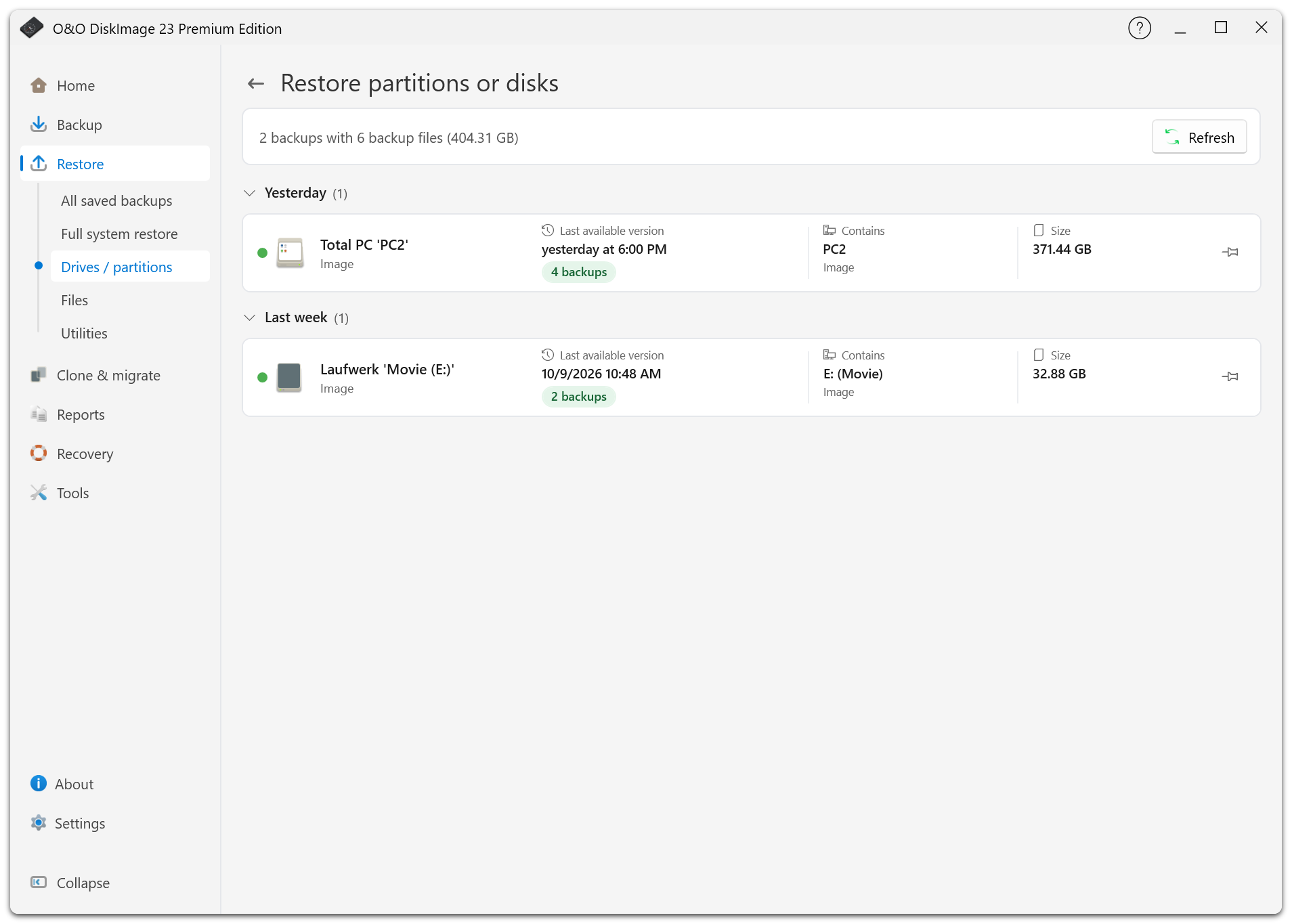
Restore The Windows Disk
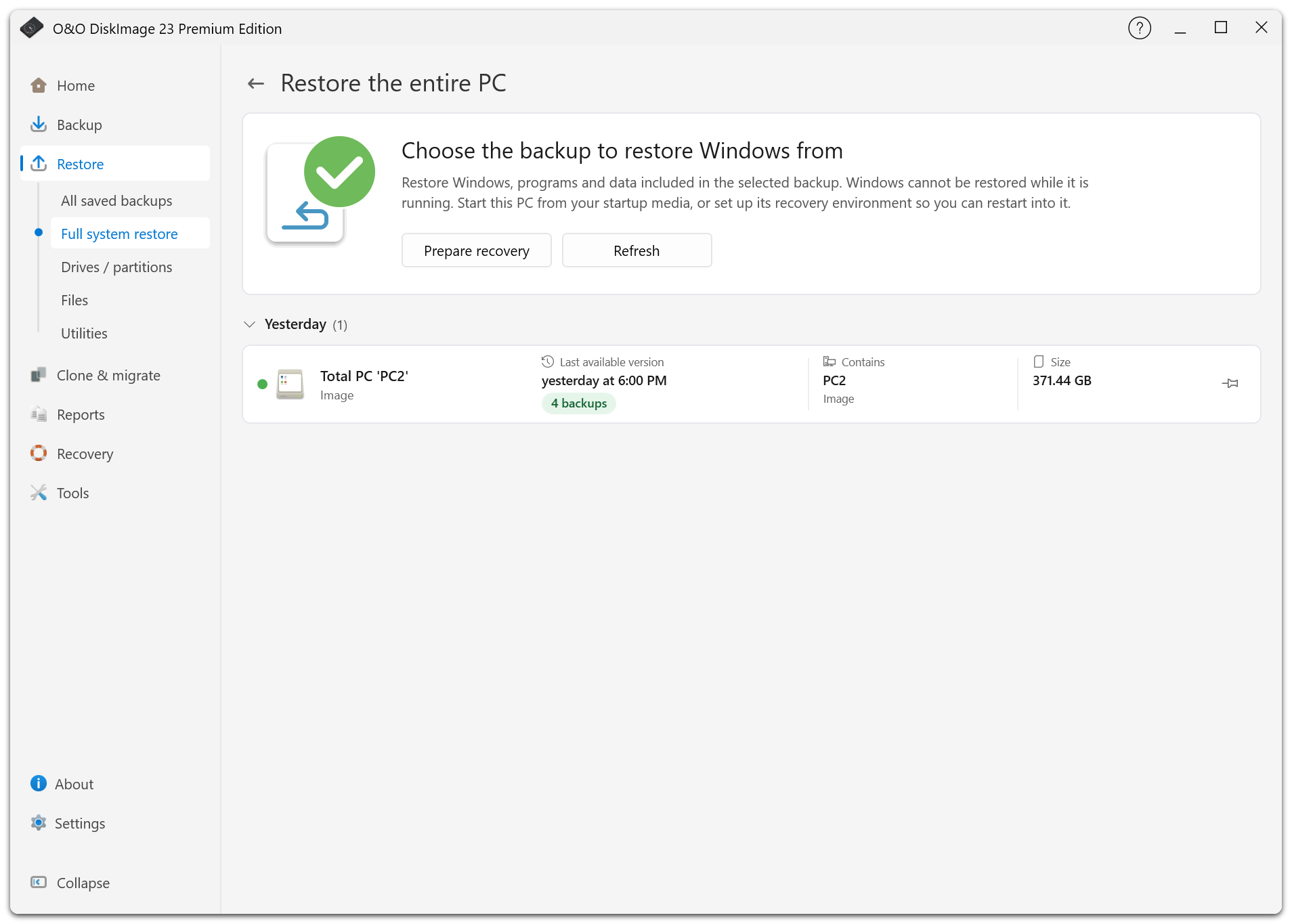
The disk containing the running Windows installation cannot be overwritten in normal Windows. Use Full system restore or the restart offered when selecting that disk.
If the local recovery environment is ready, O&O DiskImage can carry the chosen backup across the restart. Otherwise use startup media. Review the selected backup and target again in the recovery environment before confirming the restore.
Target Size Checks
The target must meet the minimum size calculated for the image, including used data and file-system overhead. A partition can sometimes be restored to a smaller partition if that minimum fits; this is not guaranteed for every image or format.
VHD/VHDX whole-disk restores must meet the virtual disk's size requirements and use a compatible sector size. The disk storing the source image cannot also be the restore target. If the source location cannot be identified safely, copy it to a separate disk or network share first.
The application checks the target's identity again before writing. If you replace or reconnect disks after selection, review and select the target again.
Mount Instead Of Restore
If you only need a few files, use file restore or mount the supported image as a read-only drive. This avoids overwriting an entire target.
After Restore
Check the report and verify the restored data. After restoring Windows, restart the PC and check that it boots. Revisit Recovery and rebuild the local recovery environment if the restore overwrote it.