Back up your PC
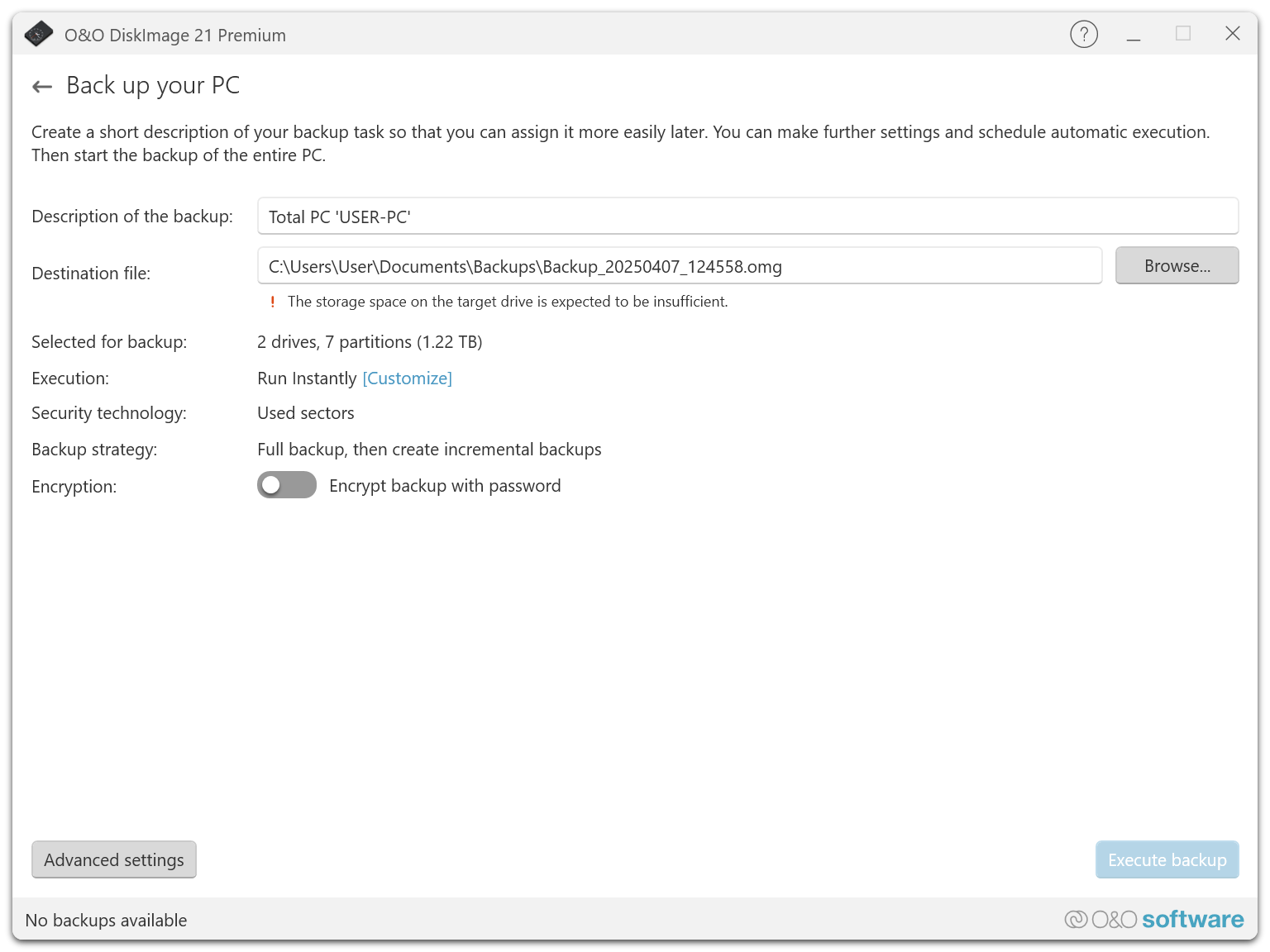
"Back up your PC" offers a quick and easy way to perform a complete backup of your computer, including all data and system settings. This function is ideal for new users of O&O DiskImage or for those who have not yet backed up their system. This quick backup backs up your entire computer, including the system partition. Compression is done using LZNT1, which ensures efficient memory usage, and the "Back up used sectors" backup method is used to back up only the parts of the hard drive that are actually in use.
We recommend using an external storage medium, e.g. a USB hard drive or a network drive, as the target directory for the quick backup.
How to proceed:
-
Start O&O DiskImage and select "Backup PC" on the start page.
-
The backup is automatically named after the creation date, but you can also enter a name manually.
-
Check the target path and adjust it if necessary using the "Browse..." button to navigate to any directory.
-
Click "Run backup" to start the backup process. The process may take some time depending on the size of the hard drive(s).