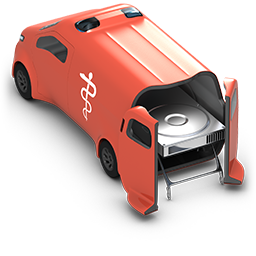
Search for lost files
Choose the drive and the search method that fits how the files were lost.
Start a search →Save recovered files
Select the files found, check them in the preview and save them to another drive.
Save files →Start without installation
Run O&O DiskRecovery from a USB stick or external disk so that nothing overwrites the lost data.
Use the Instant-Installation →O&O DiskRecovery is commercial software. You can try it during the trial period; continued use requires a valid license.