Adjust the look
Change the size, orientation and position of the bar on the desktop.
Customize the bar →O&O DriveLED is freeware and free of charge to use. It is also supplied as part of O&O Defrag 32.
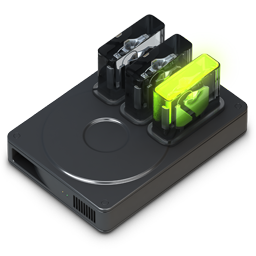
A compact LED bar on the desktop shows when a drive reads or writes.
Change the size, orientation and position of the bar on the desktop.
Customize the bar →O&O DriveLED is freeware and free of charge to use. It is also supplied as part of O&O Defrag 32.