Start and run the search
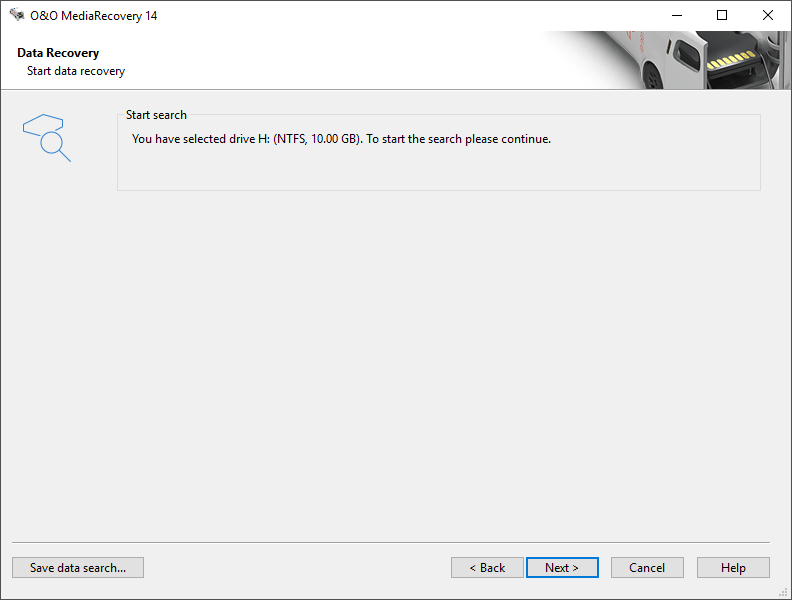
Click in the dialogue on Continue to start the search for deleted files. Depending on the size of the disks, this procedure can take several hours.
Run the search
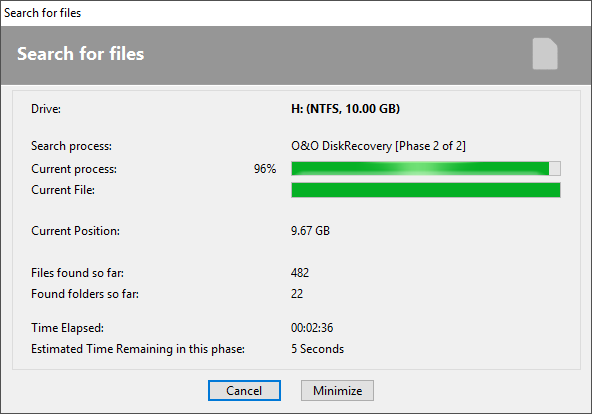
During the scan you will receive information regarding the O&O MediaRecovery scan by way of a status dialog box. In it you will find the overall progress of the scan, the progress pertaining to a specific file, and the number of files found to this point.
The elapsed time, as well as the estimated time remaining, can also be found here.
You can minimize O&O MediaRecovery while pressing minimize in the task bar. By clicking Cancel, you can stop the scan at any time. When the scan is interrupted you will be returned to the previous page of the assistant where you will be given the option of resuming the scan or running it again.