Introduction
O&O SafeErase 11 deletes sensitive data so securely that it cannot be restored, not even with special recovery software. It overwrites files and folders, temporary Windows, program and Internet files, the free space of drives, entire hard disks and partitions and even the entire computer, using recognized deletion methods.
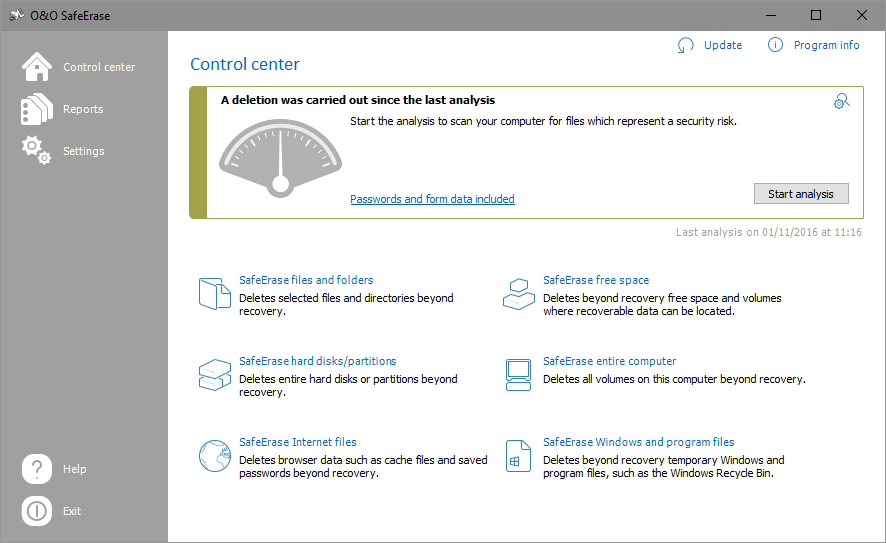
Earlier version
This is the manual of O&O SafeErase 11. It is no longer updated. The manual of the current version is available at manuals.oo-software.com/oosafeerase/.
Where to start
| You want to | Start here |
|---|---|
| Get to know the program and its editions | About O&O SafeErase 11 and Features at a glance |
| Check the requirements | System requirements |
| Install, license or uninstall O&O SafeErase | Installation and licensing |
| Choose a deletion method | Methods of deletion |
| Delete files and folders | Delete files and folders |
| Delete the entire computer | Delete the entire computer |
| Delete data from Windows Explorer | Use O&O SafeErase via the context menu |
| Get help | Support and more from O&O |
Licensing
O&O SafeErase is commercial software. You can try it during the trial period; continued use requires a valid license.