Profiles & Export
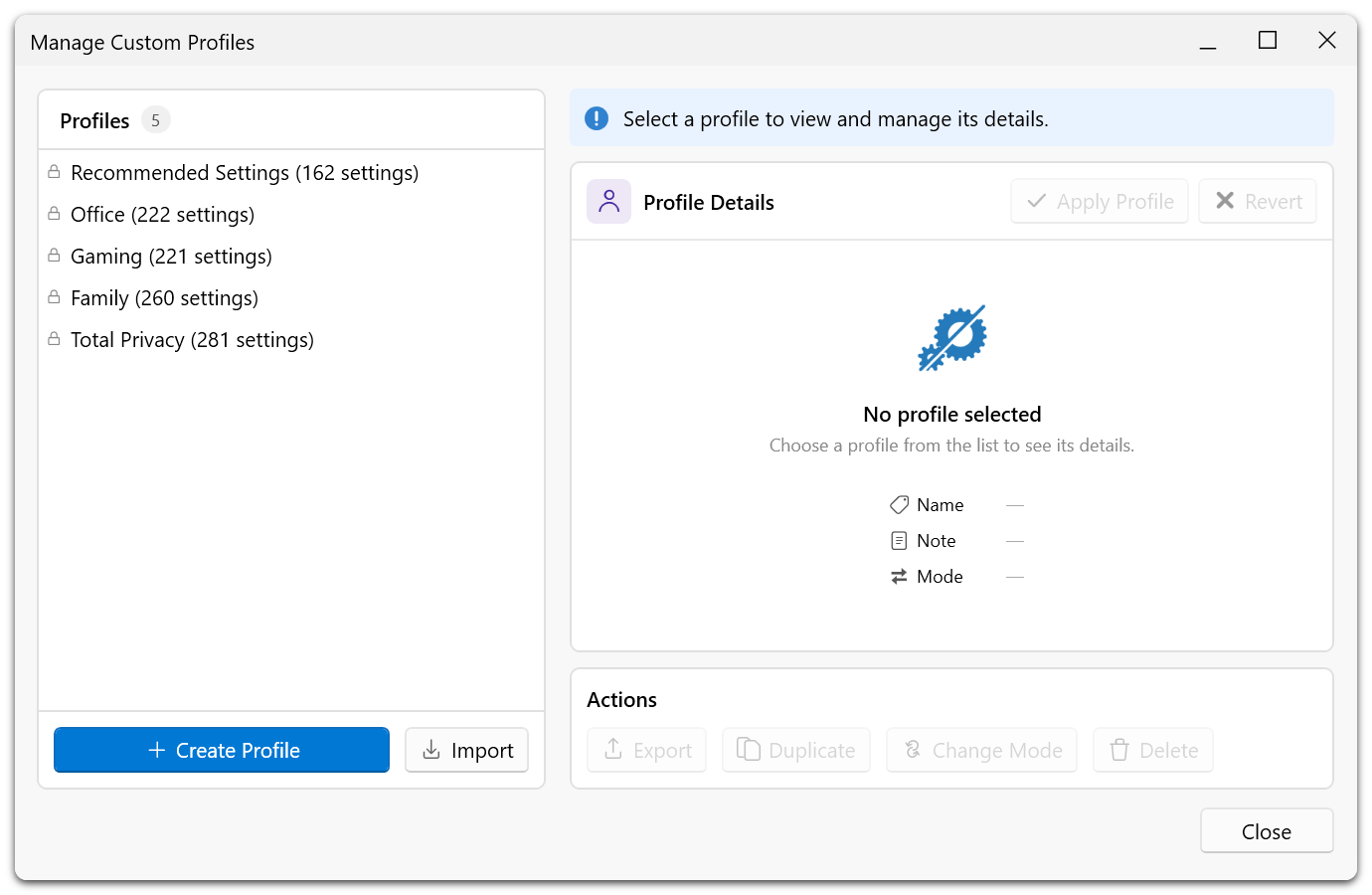
O&O ShutUp10 supports saving and loading privacy setting profiles. This feature is available in both the Free and Premium Editions, with additional capabilities in the Premium Edition.
Overview
Profiles allow you to save your current privacy configuration and re-apply it later. This is useful for maintaining consistent settings across reinstallations, sharing configurations, or switching between different privacy levels.
Capabilities
Save Profiles
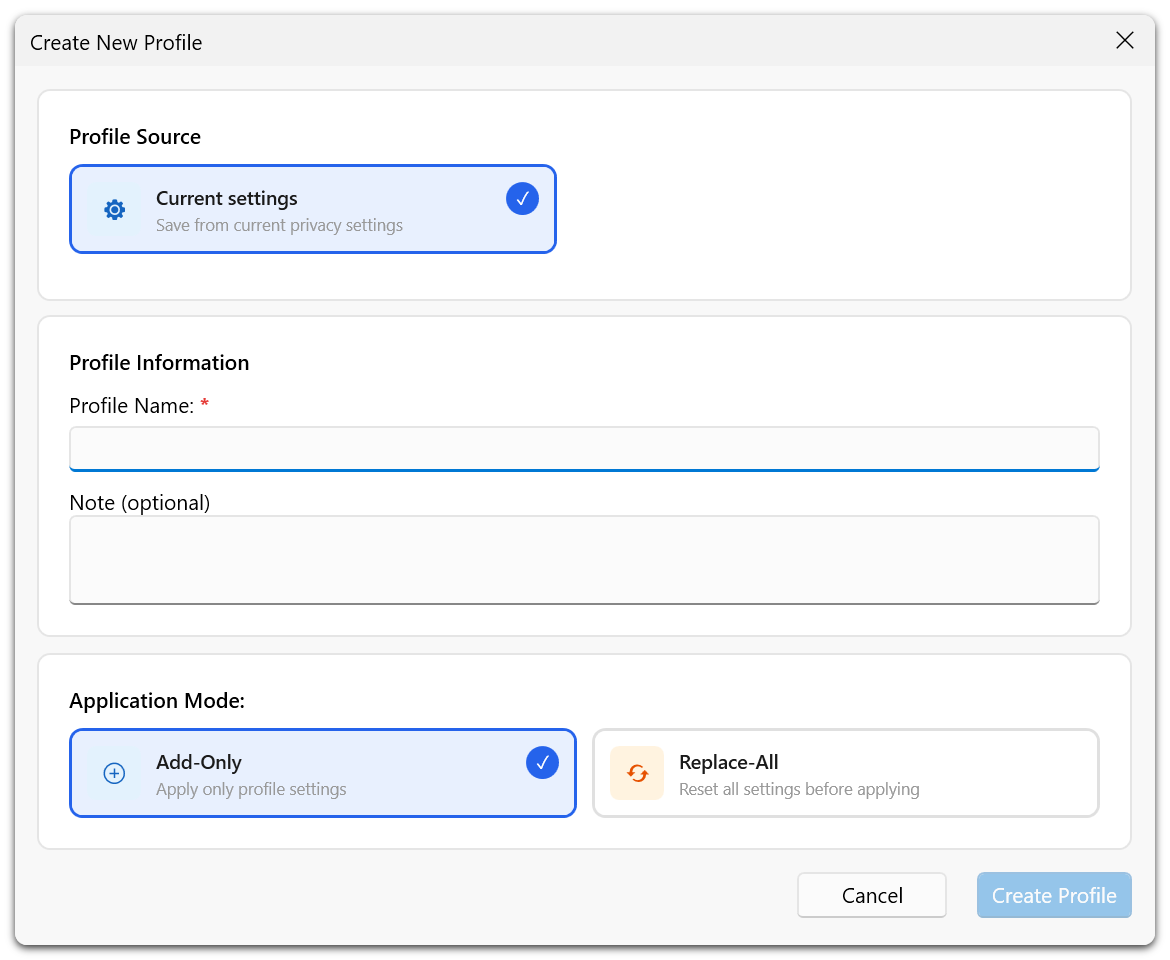
Save your current set of privacy settings as a named profile. You can create multiple profiles for different scenarios (e.g., a strict privacy profile and a balanced profile).
Load Profiles
Load a previously saved profile to instantly apply its privacy settings. This is particularly useful after a fresh Windows installation or a major Windows update.
Export and Import
Export your privacy configuration as a file that can be shared with others or transferred to another machine. Import a configuration file to apply someone else's privacy settings.
Command-Line Support
O&O ShutUp10 supports command-line parameters for applying profiles, enabling automation and integration with deployment scripts.
Save a profile of your preferred settings before any major Windows update. If the update resets your privacy settings, you can quickly restore them by loading your saved profile.