App Permissions
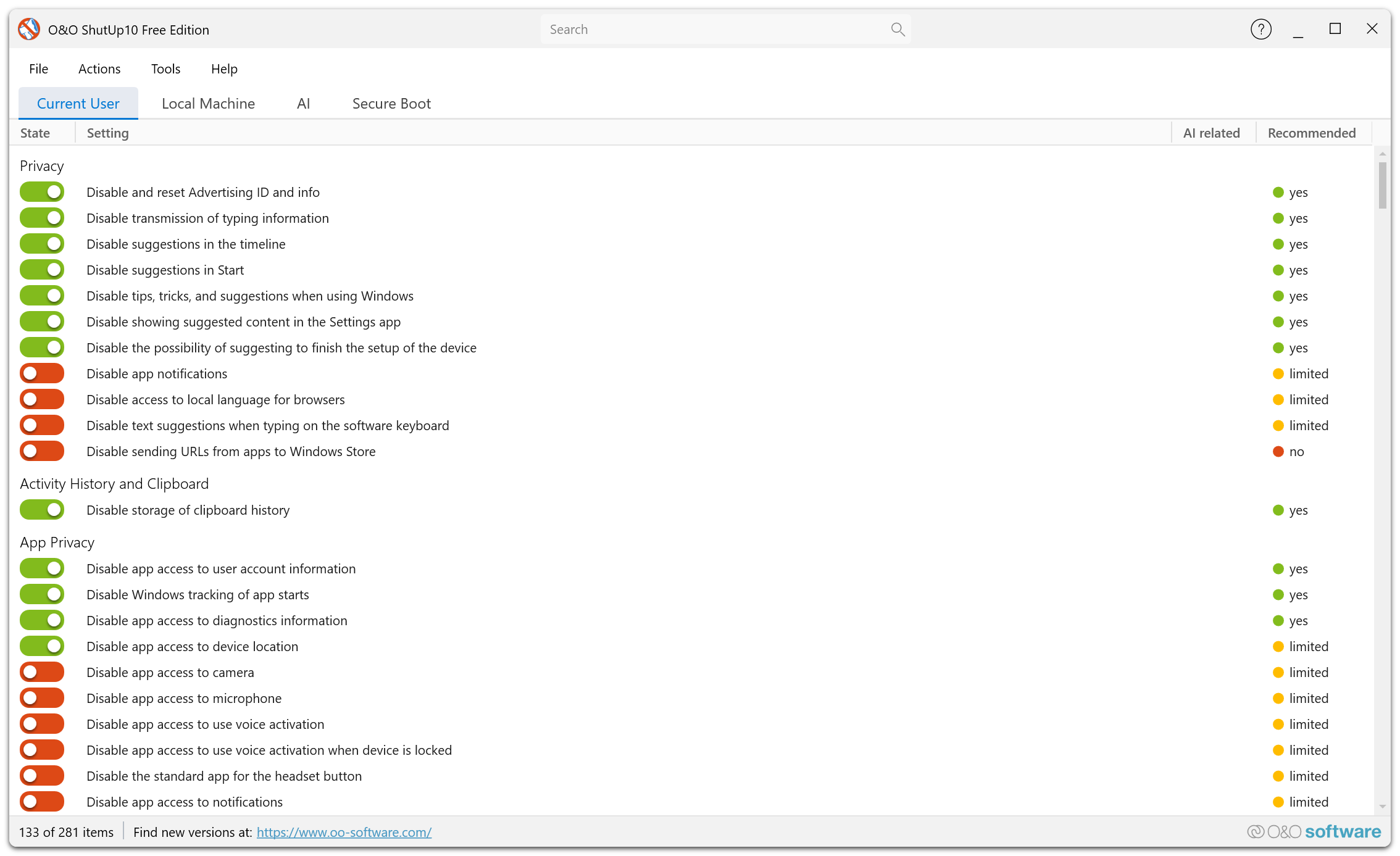
O&O ShutUp10 lets you manage the permissions that Windows apps have access to. These settings are available in both the Free and Premium Editions.
Overview
Windows grants apps access to various system resources such as your camera, microphone, contacts, calendar, and more. O&O ShutUp10 lets you manage these permissions centrally rather than configuring each one individually through Windows Settings.
What You Can Control
Camera Access
Control which apps can access your device's camera. You can disable camera access system-wide or manage it per app.
Microphone Access
Control which apps can access your microphone. This is particularly important for privacy, as microphone access can be used for ambient listening.
Contacts Access
Manage which apps can read your contacts list.
Calendar Access
Control which apps can access your calendar entries.
Call History
Manage access to your call history, if applicable.
Email Access
Control which apps can access your email accounts and messages.
Messaging Access
Manage which apps can read or send text messages.
Notifications Access
Control which apps can access your notifications.
Account Information
Manage which apps can access your account name, picture, and other profile information.
Restricting app permissions may cause some apps to lose functionality. Review each permission carefully before disabling it.