Cortana & Search Settings
O&O ShutUp10 provides control over Cortana and Windows Search behavior. These settings are available in both the Free and Premium Editions.
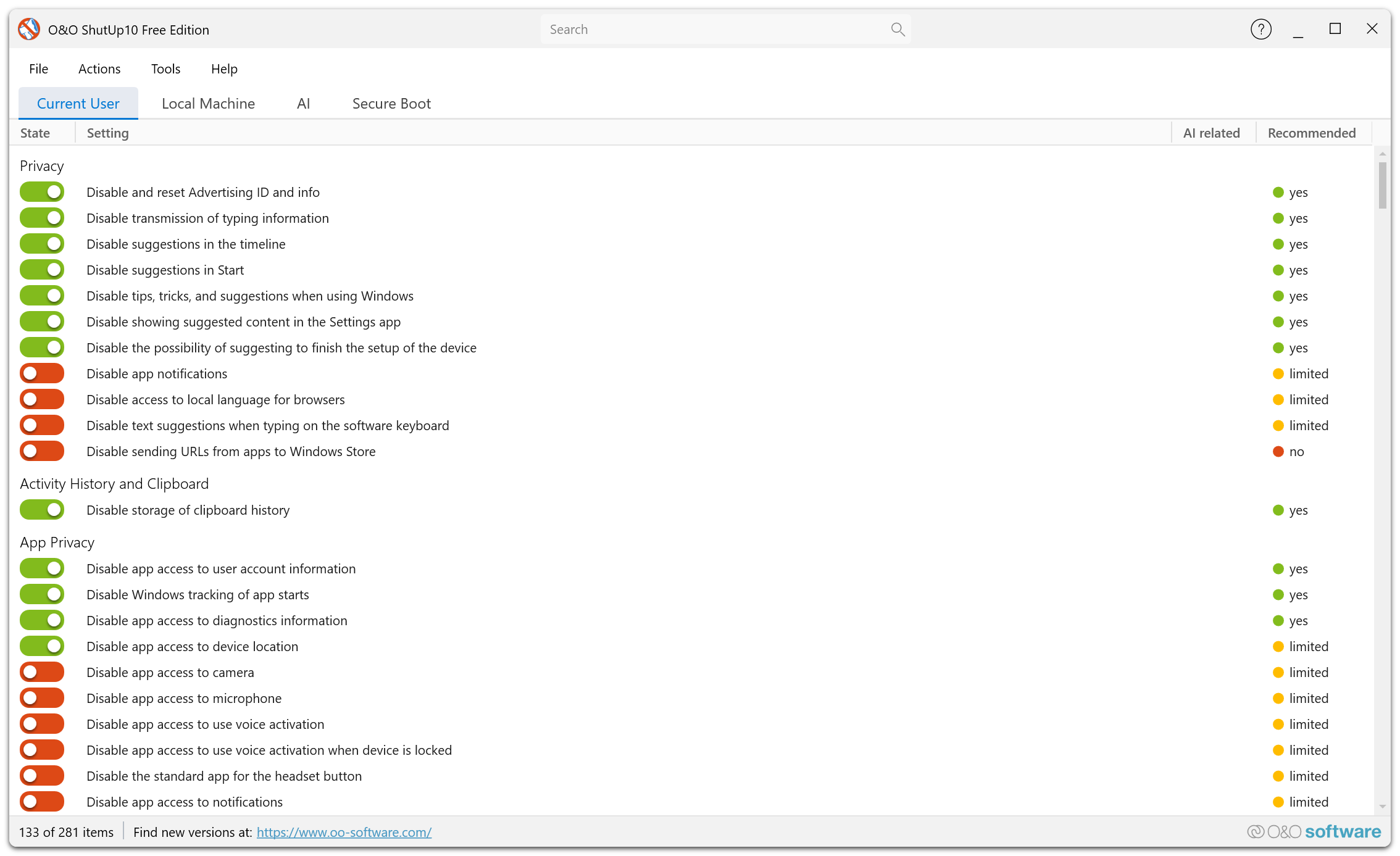
Overview
Cortana and Windows Search can send search queries, voice data, and usage patterns to Microsoft. O&O ShutUp10 allows you to limit or disable these features for greater privacy.
What You Can Control
Web Search in Start Menu
By default, Windows sends your Start menu search queries to Bing. You can disable web search results to keep your searches local to your device.
Cortana Voice Activation
Cortana can listen for voice commands. You can disable voice activation to prevent any ambient audio processing.
Search History
Windows stores your search history to improve future results. You can disable search history collection.
Cloud Search
Windows Search can include results from your cloud services (OneDrive, Outlook, etc.). You can limit search to local content only.
Search Indexing
Control how Windows indexes files and content for search, including which locations are indexed and what content types are included.
Disabling web search in the Start menu is one of the most popular privacy adjustments, as it prevents every local search from being sent to Microsoft's servers.