Location Services
O&O ShutUp10 gives you control over how Windows and its apps use your location data. These settings are available in both the Free and Premium Editions.
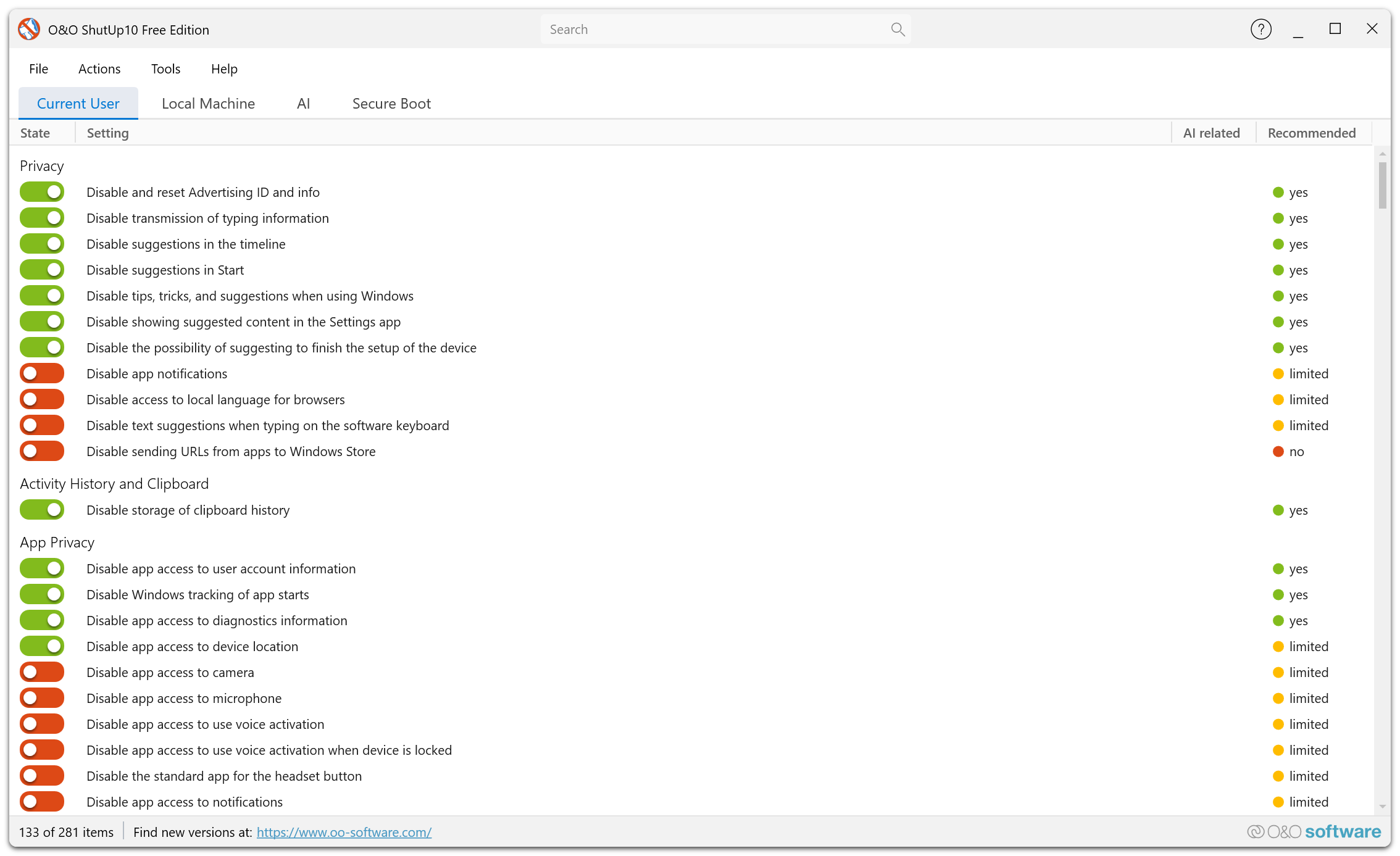
Overview
Windows uses location services to provide location-aware features such as weather, maps, and location-based reminders. While useful, these services also transmit your physical location to Microsoft and third-party apps.
What You Can Control
System-Wide Location Access
Disable location access for the entire system. When turned off, no apps or services can access your device's location.
Disable Windows Geolocation Service (L005) is version-aware. On Windows 10 through Windows 11 23H2 it disables the service through its startup configuration and requires a restart; Windows 11 24H2 and later use the appropriate newer variant.
Per-App Location Permissions
Control which individual apps are allowed to access your location data.
Disable location override (P098) also prevents applications from overriding the configured location-access policy.
Location History
Windows stores a history of locations your device has been to. O&O ShutUp10 lets you disable location history collection.
Find My Device
Disable Find My Device (L008) prevents Windows from using and storing the device's location for Microsoft's device-recovery service. Do not enable this privacy setting if you rely on Find My Device to locate a lost PC.
Geofencing
Some apps use geofencing to trigger actions when you enter or leave a specific area. You can disable this functionality.
Location-Based Advertising
Advertising networks may use your location to serve targeted ads. You can prevent your location data from being used for advertising purposes.
If you do not use location-based apps (maps, weather widgets, etc.), disabling location services entirely is recommended for maximum privacy.