Telemetry Control
O&O ShutUp10 allows you to manage the telemetry and diagnostic data that Windows sends to Microsoft. These settings are available in both the Free and Premium Editions.
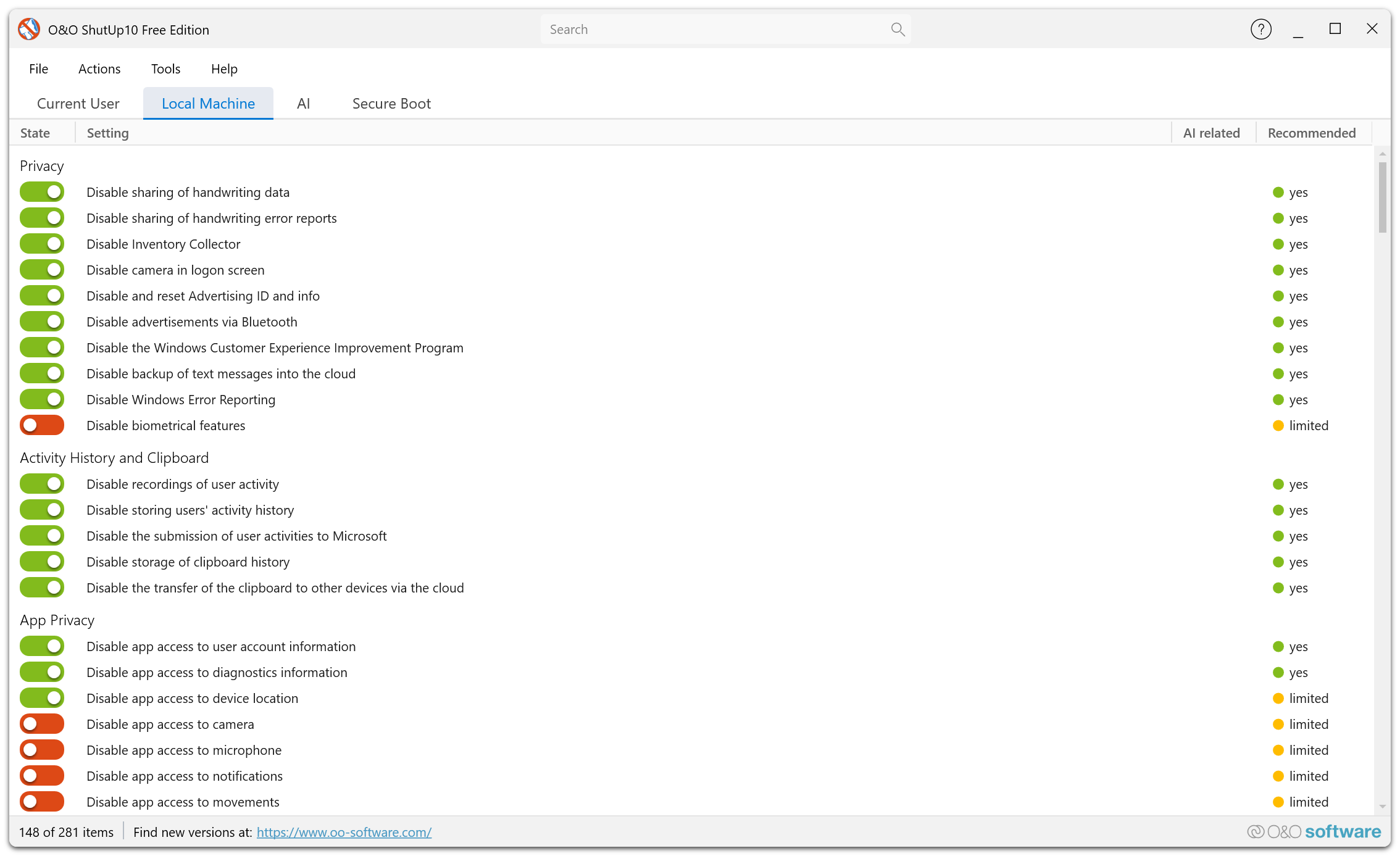
Overview
Windows collects diagnostic and usage data (telemetry) and sends it to Microsoft for product improvement and troubleshooting. The amount of data collected depends on the telemetry level configured on your system.
O&O ShutUp10 lets you control and reduce the telemetry data sent by Windows.
Key Telemetry Settings
Diagnostic Data Level
Windows offers multiple levels of diagnostic data collection. O&O ShutUp10 lets you set the level to the minimum required, reducing the amount of data shared with Microsoft.
Tailored Experiences
Microsoft uses diagnostic data to provide personalized tips, ads, and recommendations. You can disable tailored experiences to prevent your diagnostic data from being used for personalization.
Feedback Frequency
Windows periodically asks for feedback. You can control how often Windows prompts you for feedback, or disable feedback requests entirely.
Diagnostic Data Viewer
Windows includes a Diagnostic Data Viewer tool. O&O ShutUp10 can disable the collection pipeline that feeds this viewer if you prefer to minimize diagnostic data storage.
Error Reporting
Windows Error Reporting sends crash and error data to Microsoft. You can manage whether this information is collected and sent.
Reducing telemetry to the lowest level may limit Microsoft's ability to identify and fix issues specific to your configuration, but significantly improves your privacy.