Windows Explorer & Advertising
O&O ShutUp10 provides control over Windows Explorer behavior and advertising-related settings. These settings are available in both the Free and Premium Editions.
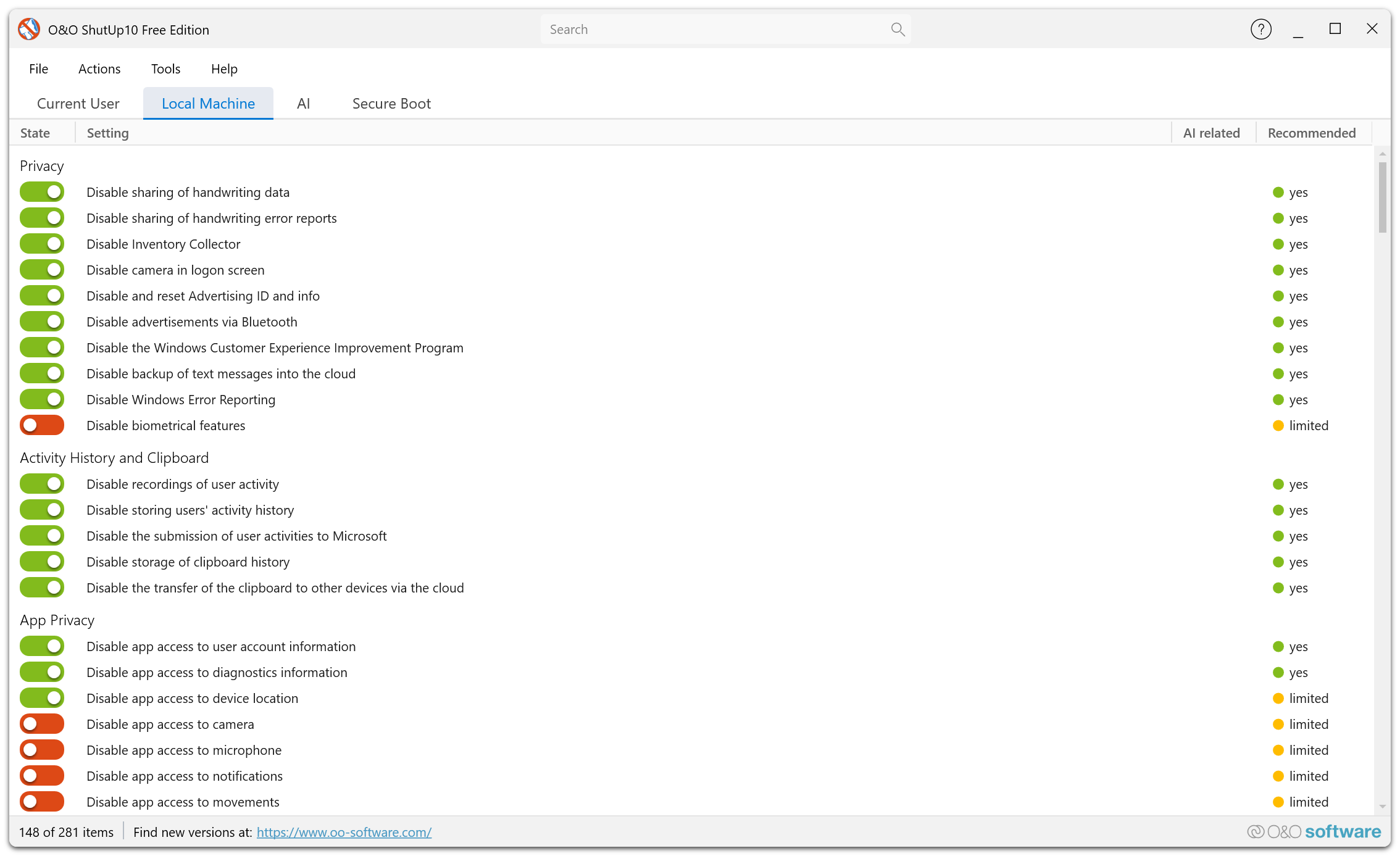
Overview
Windows Explorer and the Windows shell include several features that display advertisements, suggestions, and promotional content. O&O ShutUp10 lets you disable these to create a cleaner, distraction-free experience.
What You Can Control
Sync Provider Notifications
Windows Explorer can display notifications from sync providers like OneDrive. You can disable these notifications.
Tips and Suggestions
Windows may show tips about Windows features and suggestions for apps. You can disable these prompts.
Start Menu Suggestions
The Start menu can display app suggestions (essentially advertisements for Microsoft Store apps). O&O ShutUp10 lets you disable these.
Lock Screen Ads
The Windows lock screen can display tips, tricks, and advertisements. You can configure the lock screen to show only your chosen background.
Timeline and Activity History
Windows Timeline tracks your activities across apps and devices. You can disable activity history collection and the Timeline feature.
OneDrive Integration
Control the level of OneDrive integration in Windows Explorer, including auto-start and promotional content.
Disabling advertising-related settings in Windows Explorer is recommended for all users and has no negative impact on functionality.