Automatic Protection Premium
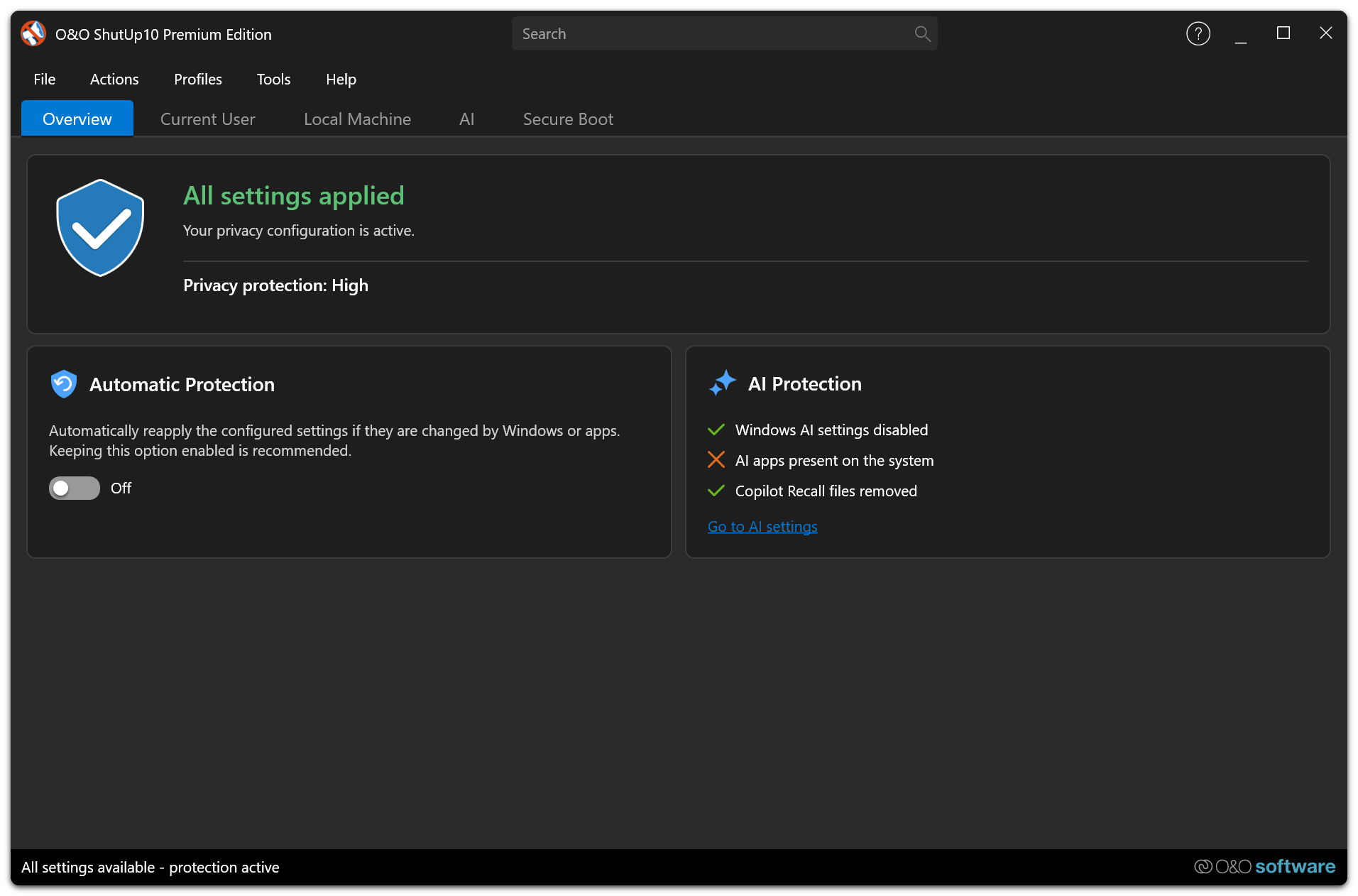
Automatic Protection is an exclusive feature of the O&O ShutUp10 Premium Edition. It ensures your privacy settings remain applied even after Windows updates, Group Policy changes, or other system modifications.
Overview
Windows updates frequently reset privacy settings to their defaults. In the Free Edition, users must manually re-check and re-apply their preferred settings after each update. The Premium Edition solves this with Automatic Protection.
How It Works
The O&O ShutUp10 service runs in the background and continuously monitors your privacy settings. When it detects a change — whether caused by a Windows update, a Group Policy push, or any other system modification — it automatically re-applies your preferred configuration.
Monitored Events
The service responds to:
- Windows Updates — Settings that were reset during a cumulative or feature update are restored.
- Group Policy changes — If a policy override conflicts with your preferences, the service re-applies your settings.
- Registry modifications — Direct changes to privacy-related registry values are detected and corrected.
Enforcement Timing and Hybrid Mode
The service observes relevant registry values continuously, but enforcement is deliberately rate-limited to avoid repeatedly fighting an external authority. The configured settings are applied once when you sign in; subsequent deviations are handled by the monitored, throttled enforcement path rather than by another blanket pass every 30 seconds.
When Hybrid Mode is enabled, settings repeatedly controlled by an external authority such as domain Group Policy are detected and excluded from automatic protection. This lets organization-managed policy remain authoritative while O&O ShutUp10 protects the remaining settings. Configure this under Settings → Automatic Protection.
Configuration
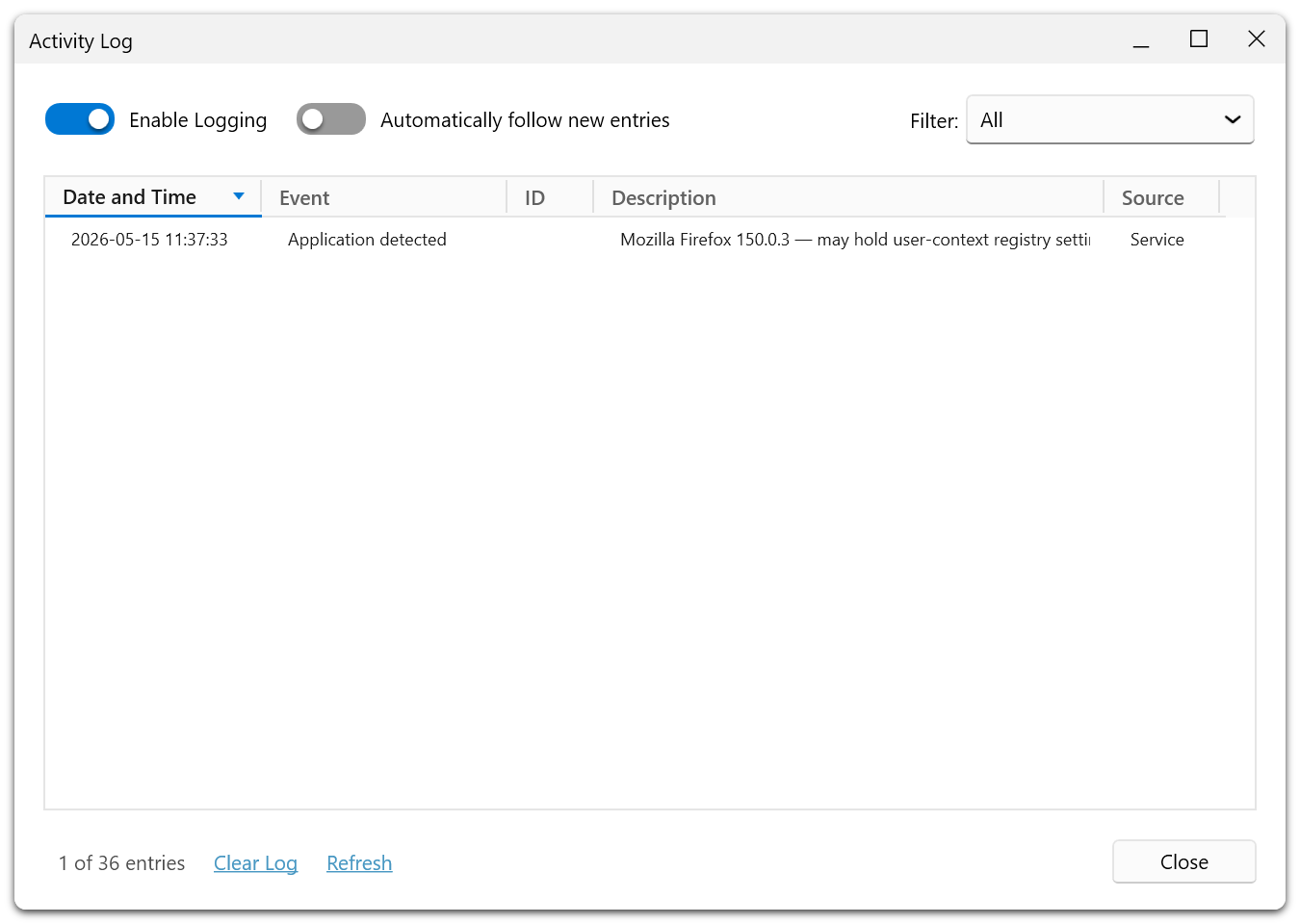
You configure your preferred privacy settings once through the client application. The service stores this configuration and uses it as the baseline for Automatic Protection.
Automatic Protection requires the O&O ShutUp10 service to be running. If the service is stopped, settings will not be automatically re-applied until the service is restarted.
If the service is temporarily busy while you switch Automatic Protection on or off, the client retries brief communication failures. The stored state is changed only after the service confirms the operation; otherwise the previous state remains active and an error explains whether the service did not answer or could not apply the change.
Benefits
- Set-and-forget privacy — Configure once, stay protected continuously.
- Protection against update regressions — Windows updates no longer silently undo your privacy choices.
- Zero user intervention required — The service handles everything in the background.