App permissions
O&O ShutUp10 provides switches for Windows app permissions in both editions. Depending on the setting, the switch affects the current user or the whole computer. The application does not provide a picker for granting access to individual apps; use Windows Settings for those choices.
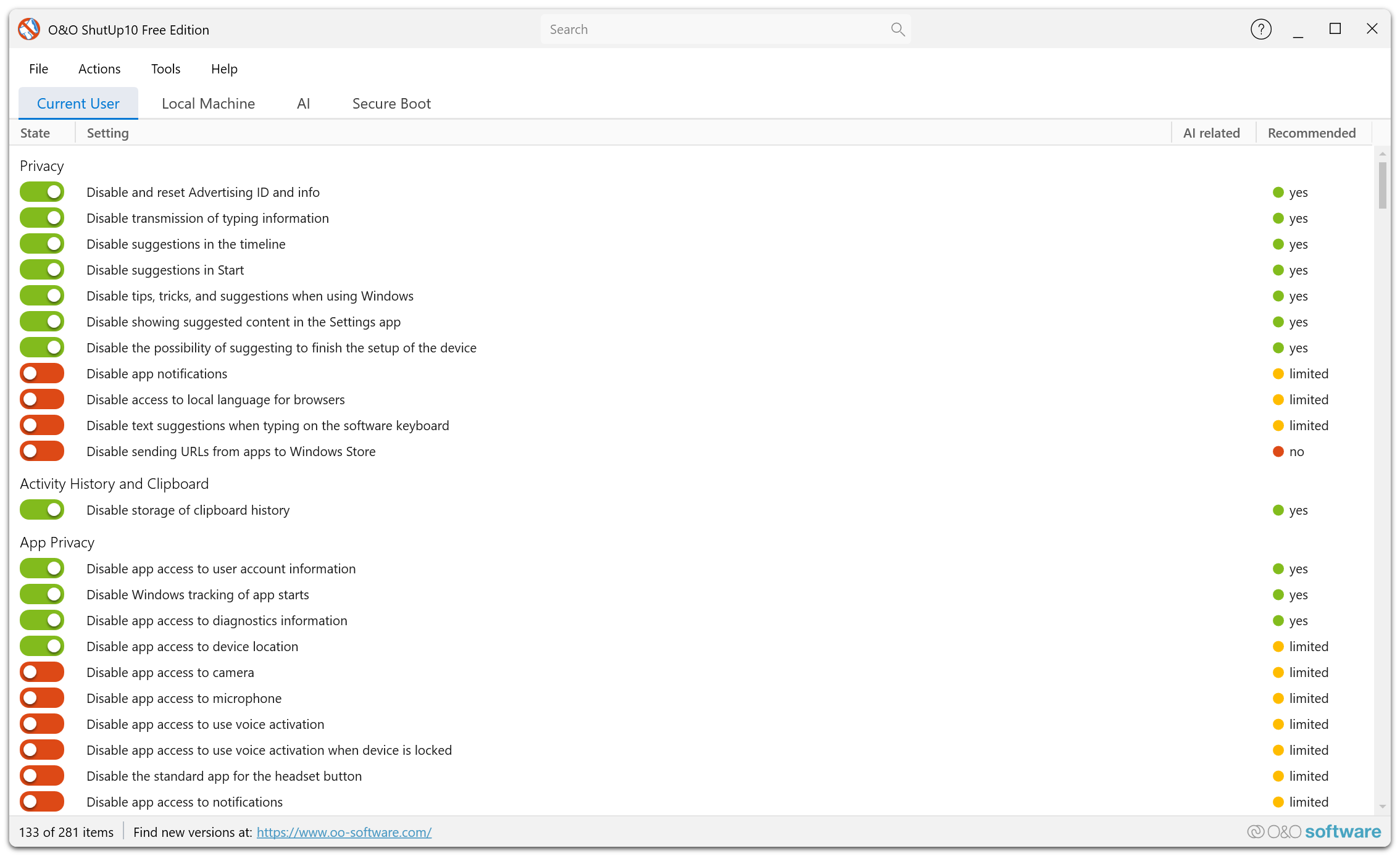
Available controls
The App Privacy category includes controls for camera, microphone, contacts, calendar, call history, email, messaging, notifications, and account information. Other controls cover files and folders, radios and devices, and newer Windows capabilities such as generative AI and presence sensing. Availability depends on the installed Windows version.
- Open Current User or Local Machine and find the permission in App Privacy.
- Read its description and recommendation.
- Switch on the listed restriction to apply it. To undo recorded changes, use Undo history.
Restricting permissions can stop apps from using the affected resource. These controls do not guarantee that every desktop application is subject to the same Windows permission mechanism.